Declutter Your Digital Space: Planck's Edge Over Planck.to
Ready to get started?
Join thousands of users who are already using our platform to manage their links efficiently.
Create Your Free AccountDeclutter Your Digital Space: Your Modern Edge in Link Management
Ever found yourself staring at your link management dashboard, only to be overwhelmed by a massive, disorganized wall of URLs? If you're nodding along, believe me, you are absolutely not alone. For countless marketers, busy creators, and savvy business owners, managing a growing collection of shortened links can quickly become the digital equivalent of that chaotic junk drawer we all have. You know the one – where a social media campaign link rubs shoulders with an email newsletter URL, and three more for internal team documents are just… floating. Fast forward six months, and suddenly, you're facing thousands of links with zero discernible structure. It’s a nightmare, isn’t it?
Here's the thing: this is exactly where the traditional approach to link management completely falls flat. Older, legacy platforms typically rely on a single, never-ending feed of links. Maybe, just maybe, they offer some rudimentary tags if you actually remember to add them (and spell them consistently!). But as your digital footprint inevitably expands, that flat, one-size-fits-all structure turns into a monumental bottleneck. Trying to pinpoint that one specific campaign link from last November? Yeah, that suddenly feels less like a search and more like a heroic quest for a needle in a digital haystack. Who has time for that?
This is precisely why we need a better way. Enter Space Management—a brilliant feature designed specifically to restore sanity, order, and calm to your link organization. Instead of blindly dumping everything into one bottomless bucket, this innovative approach empowers you to neatly compartmentalize your digital assets into distinct, hyper-manageable areas. Today, we're going to take a deep dive into what Spaces truly are, how they work their magic, and why they offer such a massive, undeniable edge over those frustrating traditional alternatives for keeping your digital life delightfully clutter-free.
What Exactly Are "Spaces," Anyway?
Let's simplify this. Imagine a Space as your very own dedicated digital folder, a distinct workspace, or even a virtual room meticulously built for a unique category of links. Think about it: you wouldn't store your kitchen utensils in your bedroom closet, right? So why would you ever store your HR department's confidential onboarding links right alongside your promotional Instagram bio links? It just doesn't make sense, and yet, that's often how we've been forced to manage our digital links.
The Old Way vs. The Modern, Organized Way
In most standard, older platforms, every single link you shorten gets tossed into one giant, central repository. If you're super lucky, you might have the option to attach a simple text tag to a link. While tags *can* be helpful, they're notoriously prone to getting messy. One team member might enthusiastically use the tag "Q4-promo," while another might go with "q4_promotions," and a third could decide on "holiday_campaign_Q4." Before you know it, your "tagging system" is just as chaotic and confusing as the pile of links it was meant to organize. It’s like trying to find a specific book in a library where everything’s on the floor.
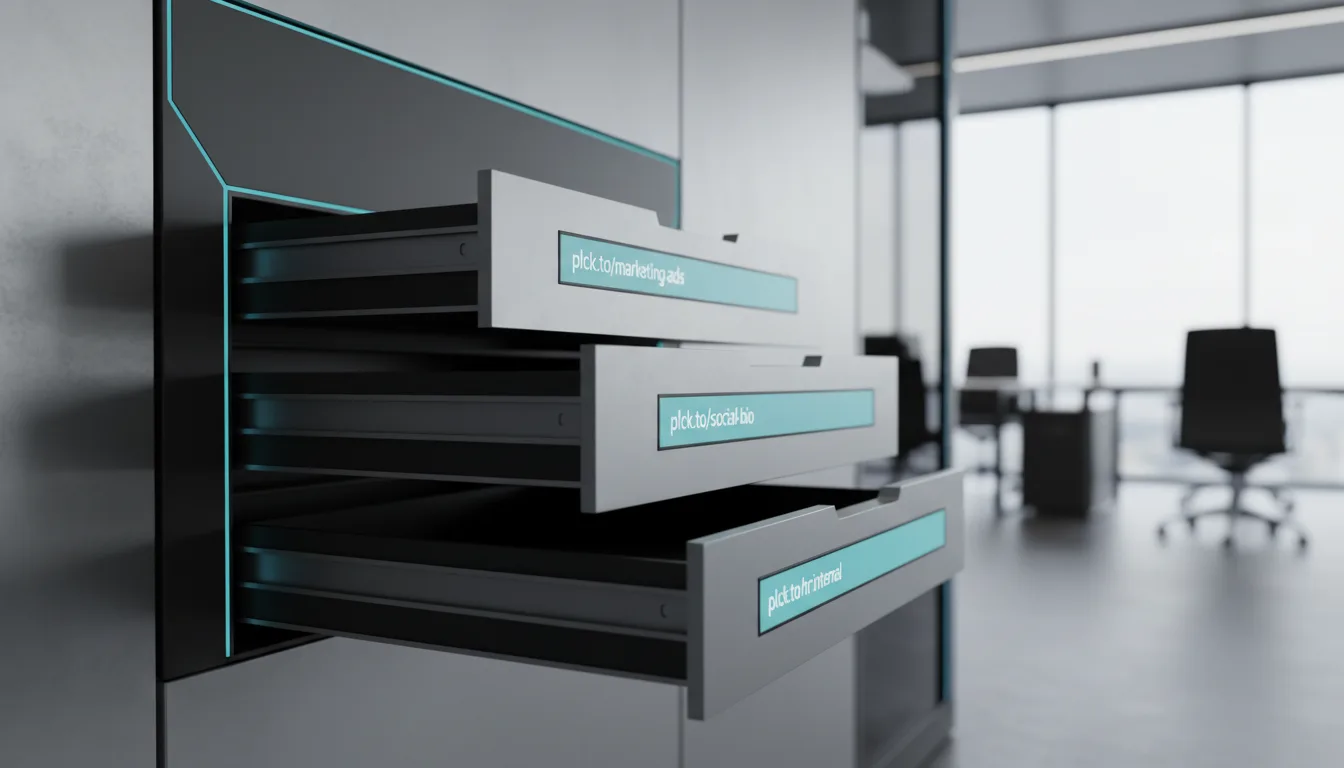
Spaces, thankfully, fundamentally transform this entire architecture. By creating a dedicated Space, you're not just labeling; you're establishing a hard, digital boundary. So, when you're diligently working inside your "Social Media" Space, what do you see? Only social media links. The distracting noise of everything else completely vanishes. It's a truly structural approach to organization, building dedicated rooms for your links, rather than just slapping on a superficial, often inconsistent, labeling system. It's like having a perfectly organized filing cabinet instead of a massive pile of loose papers.
Spaces are game-changers! They replace that chaotic "flat list" approach to link management with a structured, hierarchical system. By isolating links into specific, dedicated environments, you instantly eliminate visual clutter and dramatically reduce the precious time you spend desperately searching for your digital assets.
Under the Hood: How Space Management Works Its Magic
The real beauty of Space Management isn't just in its powerful capabilities, but also in its fluid simplicity. You absolutely don't need an IT degree or a coding bootcamp to set it up, yet the positive impact it has on your daily workflow is truly profound. So, let's peel back the layers and break down the core actions you'll be taking when managing your new, perfectly organized digital compartments.
Creating Your Digital Compartments
Whether you're starting fresh with a clean slate or finally deciding to tackle that existing digital mess, the very first step is creation. You can whip up a new Space with just a couple of clicks, giving it a name that makes perfect logical sense for your unique workflow. Some savvy users opt to create Spaces based on specific departments within their organization (think "Marketing," "Sales," "HR"). Others might find it more intuitive to base them on platforms (like "YouTube," "Email Campaigns," or "SMS Blasts"). When you create a Space, you're essentially generating a blank canvas, a pristine environment where only your most relevant links will reside, completely free from unrelated clutter.
Editing and Adapting on the Fly
Let's be real: business is dynamic. It changes, it pivots, it evolves! Your organizational structure needs to be just as adaptable. What happens if your "Q1 Campaigns" Space needs to be repurposed for a new initiative, or you suddenly realize that the naming convention you chose isn't quite cutting it anymore? No stress! Space Management gives you the power to easily edit Space names, fine-tune their settings, and seamlessly move existing links from one Space to another. This means you're never, ever locked into a rigid, outdated structure. If your strategy pivots, your digital workspace can elegantly pivot right alongside it, ensuring you're always aligned and efficient.
Deleting and Archiving (Say Goodbye to Digital Hoarding!)
Digital hoarding is a genuine problem for so many of us, isn't it? We hold onto links "just in case" or because we simply forget they exist, eventually overwhelming our dashboards with outdated, irrelevant clutter. A robust Space Management system offers a graceful solution, allowing you to easily delete or archive entire Spaces when they're no longer needed. Imagine this: you've just wrapped up a massive, seasonal product launch. Instead of letting those 50 specific links for that campaign clutter up your active view for months, you can simply archive or delete the entire Space in one fell swoop, instantly cleaning up your dashboard and giving you a breath of fresh air.
When you're naming your Spaces, establish a clear, consistent naming convention right from the very start. Trust me on this one! Using a format like "[Department] - [Platform]" (e.g., Marketing - Instagram) or "[Campaign Year] - [Focus Area]" will save you countless headaches and wasted time down the road, especially as your team grows and scales.
The Clear, Unbeatable Benefits Over Traditional Alternatives
Now, you might be sitting there wondering, "Is it *really* worth the effort to set up Spaces?" And to that, my friend, the short answer is an emphatic, absolute YES. When we stack Space Management up against those frustrating legacy alternatives, the undeniable benefits become impossible to ignore. It’s not just a nice-to-have; it’s a must-have for anyone serious about digital efficiency.
Eliminating the Dreaded "Endless Scroll"
Oh, the agony of the endless scroll! We've all experienced that particular frustration, haven't we? You know you created a link for that fantastic summer discount code, but for the life of you, you can't quite remember what you named the destination URL. In traditional platforms, you're condemned to scroll endlessly through pages and pages of completely unrelated links, or you're left wrestling with a clunky, often ineffective search bar. With Spaces, it's a breath of fresh air. You simply click into your "Summer Promos" Space, and bingo! There it is—one of only a dozen carefully curated links in that specific, tidy folder. No more digital archaeology required!
Collaboration Without the Chaos
If you're part of a team, a flat link structure isn't just inefficient; it's a genuine recipe for disaster. Think about it: team members can accidentally edit, overwrite, or even delete links that were meant for entirely different departments. Talk about a headache! Spaces foster much cleaner, more organized collaboration. You can mentally (and systematically) segregate areas so your social media manager confidently stays in their lane, and your customer success team stays securely in theirs. There's virtually no risk of crossing wires, miscommunications, or accidental deletions. Everyone knows exactly where to find what they need, and where to put what they create.
Superior Analytics Isolation: Context is King!
When you're meticulously assessing performance, context isn't just important—it's everything. If you're viewing a dashboard that's aggregating clicks from your internal company memo links right alongside your high-budget ad campaign links, your data is inherently skewed and utterly meaningless. How can you make informed decisions? By organizing your links into dedicated Spaces, you can effortlessly isolate your analytics. You'll know, without a shadow of a doubt, that every single link in your "Paid Ads" Space is specifically designed to drive revenue, allowing you to accurately gauge the collective performance of that precise category without irrelevant data muddying the pristine waters of your insights.
It's not just theory! Teams who boldly switch from a chaotic flat-list architecture to a structured, Space-based system consistently report up to a remarkable 40% reduction in time spent managing, searching for, and auditing their critical campaign links. That's a huge win for productivity and peace of mind!
Bringing Spaces to Life: Real-World Examples
To truly grasp the transformative power of Space Management, let's cast a spotlight on how different types of users are leveraging this incredible feature to solve their everyday organizational nightmares and bring order to their digital worlds.
The E-Commerce Marketing Team: A Masterclass in Campaign Organization
Picture an e-commerce brand that's constantly running multiple, often overlapping, promotions. In a traditional, unorganized setup, their link dashboard would be a chaotic, dizzying mix of product links, affiliate links, and various email promos. It's a recipe for missed opportunities and sheer frustration. But by intelligently utilizing Spaces, they can craft a highly structured, wonderfully intuitive environment:
- Space 1: "Black Friday 2024" - This Space would contain all the specific promotional links for their biggest sales event, like planck.to/bf-shoes and planck.to/bf-tech-deals. Easy to find, easy to manage.
- Space 2: "Affiliate Partners" - Here, they house individual, trackable links for each of their various influencers and partners, ensuring these never get accidentally mixed up with general advertising campaigns.
- Space 3: "Post-Purchase Emails" - A dedicated Space solely for the links carefully embedded in their automated customer retention emails, ensuring perfect tracking and updates.
The Savvy Content Creator's Hub: Managing a Multichannel Presence
A thriving YouTuber or dynamic content creator juggles links across a multitude of platforms: their video descriptions, their coveted Instagram bio, their trending TikTok profile, and, of course, their crucial sponsor shoutouts. Their Spaces might look something like this, a true testament to digital order:
- Space 1: "YouTube Gear Links" - This serves as a permanent, always-accessible collection of affiliate links for all their camera setups, lighting rigs, and editing software, such as planck.to/my-camera and planck.to/lighting-kit.
- Space 2: "Current Sponsors" - This is a frequently edited, dynamic Space where old sponsor links are gracefully deleted and new ones are added monthly, keeping their monetized content perfectly up-to-date and trackable.
The Corporate HR Department: Internal Efficiency Unleashed
Link management isn't just about external marketing; internal operations rely heavily on shareable, accessible links too. An HR department, for example, can brilliantly use Spaces to ensure sensitive or critically important internal documents are kept completely separate from any public-facing URLs, ensuring both security and clarity:
- Space 1: "Employee Onboarding" - This vital Space would contain all necessary links for new hires, such as planck.to/welcome-packet and planck.to/benefits-guide.
- Space 2: "Quarterly Reports" - Here, links to large, important presentations and internal reports are securely stored and eventually archived once the quarter successfully concludes, keeping their active workspace lean and relevant.
"A cluttered digital workspace inevitably leads to a cluttered mind. Organization isn't merely about aesthetics or tidiness; it's profoundly about reclaiming your precious time, ensuring absolute accuracy, and keeping your laser focus on the metrics that truly matter to your success."
Getting Started with Better Link Organization: Your Path to Clarity
Transitioning from a chaotic, overwhelming list of links to a beautifully organized, highly efficient system might sound a little intimidating at first, right? But I promise you, it's incredibly straightforward and totally achievable. If you're genuinely ready to declutter your digital space and embrace a new level of clarity, just follow this simple, step-by-step approach.
Step 1: Audit Your Current Links (Know What You've Got!)
Before you start enthusiastically building new digital rooms, you really need to take stock of the "furniture" you already have. Dedicate a focused 15 minutes to review your most frequently used and highly trafficked links. As you do this, consciously identify the natural groupings that emerge. Are your links mostly categorized by the platforms you use (Facebook, Email, SMS)? Or does it make more sense for your business to group them by objective (Sales, Lead Generation, Internal Communications)? Understanding your current assets and how they're *actually* used is the fundamental key to creating a logical, sustainable structure moving forward.
Step 2: Define Your Naming Convention (Consistency is Key!)
This step is crucial, and it will pay dividends down the line. Decide on a clear, consistent naming rule for your Spaces and, critically, stick to it! Whether it's standardizing dates (e.g., "2024-Q1-Promos"), defining strict departmental prefixes (e.g., "MKTG - Socials"), or using project-specific codes, a solid, unwavering naming convention prevents your Spaces from becoming just as disorganized as the sprawling lists they're meant to replace. A little forethought here saves a lot of headaches later.
Step 3: Create Your First Space in Planck.to (Let's Do This!)
Now, it's truly time for implementation! Using a modern, intuitive platform like Planck.to makes this step incredibly frictionless. Simply navigate to your dashboard, locate the user-friendly Spaces management area, and click 'create'. Type in your newly decided naming convention. From there, you can effortlessly start moving your existing links into this fresh, dedicated environment. Don't feel like you need to organize everything at once! Start with just two or three core Spaces so you don't overwhelm yourself, and then gradually expand as you get comfortable with the streamlined workflow. You'll be a Space management pro in no time!
Seriously, don't even try to organize a thousand legacy links in one single day. That's a recipe for burnout! Instead, focus your energy on organizing your *active*, currently circulating links first. You can then gradually sort through older, less critical links during routine monthly or quarterly cleanups. This approach keeps you moving forward without getting bogged down.
Advanced Tips for Space Mastery: Elevate Your Organization Game
Once you've got the basics of Space Management down and you're feeling comfortable, you can start leveraging the full power of Spaces for even greater operational efficiency and strategic insight. Here are a few advanced techniques and pro tips to truly take your link management to the absolute next level.
Treat Spaces Like Sub-Brands or Client Accounts
If you're a freelancer, an agency, or simply someone who manages multiple distinct brands, projects, or clients, here's a brilliant strategy: treat each Space as an entirely separate, self-contained entity. You can create a distinct environment for "Client A" and another for "Client B." This approach is an absolute lifesaver for marketing agencies! When you hop on a client call to meticulously review campaign performance, you can confidently open their specific Space, knowing with certainty that you won't accidentally display another client's proprietary data or unrelated links. It's clean, professional, and secure.
Implement Routine Cleanups (The Zen Art of Digital Deleting)
Creating Spaces is, without a doubt, a huge win. But maintaining them? That's the ongoing battle for digital zen! To keep your system pristine and efficient, proactively schedule a brief, recurring 15-minute calendar block at the end of every month. Use this dedicated time to review your Spaces. If a short-term campaign is over and done with, don't hesitate: delete or archive the Space entirely. Regularly pruning your digital environments ensures that your dashboard remains lightning-fast, visually clean, and effortlessly navigable year-round. It's like regular garden maintenance for your digital assets!
Combine Spaces with Standardized UTM Parameters for Ultimate Tracking
For those who crave the ultimate tracking setup, here's an advanced tip that will blow your data analyst's mind: synchronize your Space architecture with a rigorous, standardized UTM parameter strategy. For example, if you have a Space explicitly called "Email Newsletters," make absolutely certain that every single link within that Space consistently uses a standardized utm_medium=email tag. By marrying the powerful visual organization of Spaces with strict, consistent tracking codes, your downstream data in Google Analytics (or whatever analytics platform you use) will perfectly mirror the clean, logical structure of your link dashboard. This means clearer insights, more accurate reporting, and smarter decisions!
Conclusion: Embrace Clarity, Conquer Chaos
In today's incredibly fast-paced digital landscape, the tools we rely on should actively simplify our lives, not unnecessarily add to the overwhelming noise. Honestly, relying on those legacy platforms that force all your valuable links into one overwhelming, endless list is simply an outdated, inefficient way to work. It relentlessly drains your time, invites frustrating collaborative errors, and makes campaign tracking far more stressful and complicated than it ever needs to be. You deserve better than digital chaos.
By boldly embracing Space Management, you're not just organizing links; you're taking back complete control of your digital assets. The incredible ability to create, edit, and effortlessly delete dedicated environments for your links means you can finally build a workflow that perfectly matches how your brain works and how your business operates. It empowers you to neatly compartmentalize your campaigns, secure your crucial internal documents, and instantly locate that exact URL you created three months ago without even breaking a sweat. Imagine the peace of mind!
So, why keep settling for digital clutter when clarity is within reach? Take just a few minutes today to thoughtfully audit your existing links, clearly define your categories, and then get started building your customized Spaces. Your future self—and your entire, now-efficient team—will absolutely thank you for the newfound clarity, streamlined organization, and the significant boost in productivity!
Ready to get started?
Join thousands of users who are already using our platform to manage their links efficiently.
Create Your Free Account