Our Deep Link Migration: Unifying Web & Mobile Experiences

Ready to get started?
Join thousands of users who are already using our platform to manage their links efficiently.
Create Your Free AccountThe Friday Afternoon Support Ticket: A Story of Mobile User Experience
Ah, the dreaded Friday afternoon. For many, it's a countdown to the weekend. For those of us in product and engineering, it often means the exact opposite: a ticking time bomb disguised as a "minor" issue. And that’s precisely how our journey began, with a seemingly innocuous support ticket filed at 4:30 PM on a Friday. The subject line was deceptively simple: "Link opens in Safari instead of the app."
To the casual observer, you might think, "So what? Just tap the link again." But here's the thing: in the fast-paced world of mobile-first experiences, every tap, every extra step, every moment of friction is a potential lost customer. This wasn't just a trivial bug for us; it was the loose thread that, once pulled, started to unravel a chaotic tapestry of fragmented user experiences we didn't even fully realize we had.
Think about it: we were firing off thousands of marketing emails, SMS notifications, and social media posts every single week. Our analytics dashboards glowed with impressive click-through rates. Yet, paradoxically, our app engagement metrics were stubbornly stagnant. The numbers just didn't add up. We were missing something crucial, something fundamental about our users' actual journey. It wasn't until we literally "walked a mile in their digital shoes" that the painful reality hit us.
Picture this scenario, because it was happening countless times a day: A loyal customer, excited about a new drop, receives a promotion for a specific sneaker. They eagerly tap the link, expecting to be whisked straight into our sleek, familiar mobile app where they're already logged in, their credit card details saved and ready. Instead? The link unceremoniously dumps them onto the mobile web. They're not logged in. Their cart is empty. The magic is gone. The friction, that tiny moment of annoyance, was palpable. And inevitably, they'd bounce. Who has time for that kind of hassle when competitors are just a tap away?
This, my friends, is the story of our transformative migration. It's a narrative about finally breaking free from a spaghetti tangle of legacy redirects and disjointed marketing tools. It's about moving towards a unified, incredibly robust Deep Linking architecture. More than just a technical upgrade, it’s the story of how we finally connected the dots, bridging the vast chasm that had formed between our web and mobile experiences.
The Challenge: Escaping the "Legacy Trap" (and Our Own Habits)
Before we could even dream of fixing the problem, we had to confront a hard truth: our entire tooling strategy was broken. And honestly, it was largely our own doing. Years ago, when our shiny new app first launched, we did what many teams do – we hard-coded custom URI schemes (you know, things like myapp://product/123) directly into our email templates and marketing campaigns. It seemed like a clever workaround at the time, and for a while, it worked like a charm. Until, of course, it didn't.
The mobile operating system landscape is a constantly shifting beast. Apple introduced Universal Links, then refined them. Android pushed its own version with App Links. Privacy standards became tighter, and user expectations soared. Our humble, "home-brewed" solution – a patchwork of basic redirect scripts and a generic link shortener – simply couldn't keep pace. We were stuck in an endless game of whack-a-mole, patching one problem only to find two more popping up.
The real pain point wasn't just technical; it was organizational chaos. Imagine this: we had a marketing team wrestling with one tool for social media links, an engineering team scrambling to manage intricate, hard-coded app logic, and a support team completely caught in the crossfire, fielding user complaints they couldn't possibly resolve. It was a mess, and it directly impacted our customers' experience.
The core issue wasn't just about links breaking; it was about trust and transparency. Using disparate tools meant our data was completely siloed. We couldn't accurately track if a user who clicked an SMS link actually ended up making a purchase in the app. This blind spot was costing us valuable insights and, more importantly, revenue.
It became abundantly clear: we desperately needed to migrate from this fragmented, reactive ecosystem to a centralized, proactive platform. We needed a solution that could handle the heavy lifting of device detection and intelligent routing for us. We envisioned a "smart bridge" – a single, elegant system that knew exactly where to send a user based on their device type, operating system, and critically, whether they had our app installed or not. Anything less was simply throwing good money and effort after bad.
The Solution Approach: Unifying the Pathway, Intelligently
Our new guiding star was incredibly simple, yet profoundly powerful: One Link, Infinite Destinations. We wanted a single, clean URL that could magically adapt to every user scenario. Imagine the possibilities!
We needed a URL that looked friendly and trustworthy—something like planck.to/summer-sale—but acted with the intelligence of a seasoned digital concierge. Here's how we envisioned it: If a user clicked that link on their desktop, it should smoothly guide them to the relevant page on our website. But if they tapped it on an iPhone with our app already installed, we wanted it to instantly open the app, taking them directly to that fantastic summer sale page. And what if they were on an Android phone without the app? No problem! The link should intelligently route them to the Play Store to download it, or, failing that, gracefully redirect them to a mobile-optimized web landing page with a smart banner enticing them to install.
This level of intelligent routing demanded a platform capable of handling Deferred Deep Linking. This, my friends, is where the real magic happens. It’s the ingenious trick that ensures a seamless journey even when a user doesn't have your app installed. They click the link, they're taken to the App Store, they download and install your app, and then—upon the very first open—the app *remembers* the original link they clicked and navigates them directly to that specific content. No more "install and forget." No more users getting lost in a generic app home screen after all that effort. It was a game-changer for reducing churn and supercharging conversions.
The Selection Criteria: What We Absolutely Needed
As we began our hunt for the perfect solution, we evaluated several options. We weren't just looking for a tool; we were looking for a partner that could solve our deepest pain points and empower our teams. Our criteria were strict, driven by past frustrations:
- Reliability: This was non-negotiable. Our links are our lifeline to customers. We needed 99.9% uptime, knowing our campaigns wouldn't fall flat due to a broken redirect.
- Ease of Configuration: Our marketing team needed to move fast. We couldn't afford a solution that required engineering to edit complex JSON files every single time a new campaign launched. It had to be intuitive.
- Brand Consistency: Trust is everything. The ability to use our own custom domain (like planck.to) was absolutely vital for maintaining brand recognition and user confidence. Generic shorteners just wouldn't cut it.
This is precisely where Planck.to entered our stack. It allowed us to abstract away the mind-numbing complexity of OS-specific routing and updates, completely freeing our marketing team. Now, they could simply paste a destination URL, and the platform handled the intricate digital handshake with both iOS and Android, ensuring every user landed exactly where they were supposed to be.
Implementation: The Migration Journey – A Three-Phase Mission
The actual migration wasn't just about flicking a switch. Oh no, that would be too easy! This was a comprehensive, three-phase operation that involved not just technical changes but a fundamental rethinking of how our company communicated with and guided our customers. It was a journey of cleaning up technical debt and building a robust future.
Phase 1: The Secure Handshake (AASA and AssetLinks)
The very first step was deeply technical, yet absolutely foundational. For deep links to work securely and reliably, your app and your website need to establish a mutual trust. Think of it like a digital handshake, where both parties verify each other's identity. This crucial trust mechanism is handled via specific files on your web server.
We had to correctly configure the apple-app-site-association (AASA) file for iOS and the assetlinks.json file for Android. In our previous setup, these files were a constant headache. They were messy, often contained hard-coded paths that frequently broke with every minor app update, and were a nightmare to manage. By migrating to a managed solution, we could simply point these essential association files to our link management platform, letting it handle the verification of ownership on our behalf. This was a huge relief and instantly boosted our confidence in the system's stability.
When you're migrating or setting up deep links, never skip this step! Always validate your JSON files using the official validators provided by Apple and Google. A single missing comma, an incorrect bundle ID, or a misplaced character can cause your deep link to fail silently, frustratingly reverting to the web browser without any clear error message. Trust us, we learned this the hard way!
Phase 2: Configuring the Fallbacks – Guiding Every User
This phase was, arguably, the most critical part of our user experience design. We had to meticulously decide what would happen when things didn't go perfectly according to plan. Because let's be honest, in the real world, things rarely go perfectly. In our old, clunky toolset, a desktop user clicking a mobile-intent link might get a dreaded 404 error, or even worse, a messy "Raw Data" page. Talk about a conversion killer!
With our new system, we set up clear, intelligent fallback rules to ensure every user had a smooth journey, no matter their device or app status:
- iOS/Android (App Installed): The ideal scenario! Open the App and navigate directly to the specific Deep Link Path. Instant gratification.
- iOS/Android (No App): No app? No problem! Redirect them gracefully to the respective App Store or Play Store. Alternatively, we could send them to a mobile web landing page featuring a prominent smart banner prompting them to download the app.
- Desktop/Tablet: For larger screens, simply redirect to the relevant page on our main website URL. It's about meeting users where they are, on the best possible platform.
Now, with this robust system in place, a single link like planck.to/new-collection intelligently parses the User Agent string in milliseconds and serves up the correct, optimized destination. It's truly a thing of beauty!
Phase 3: The Marketing Switch – Empowering Our Team
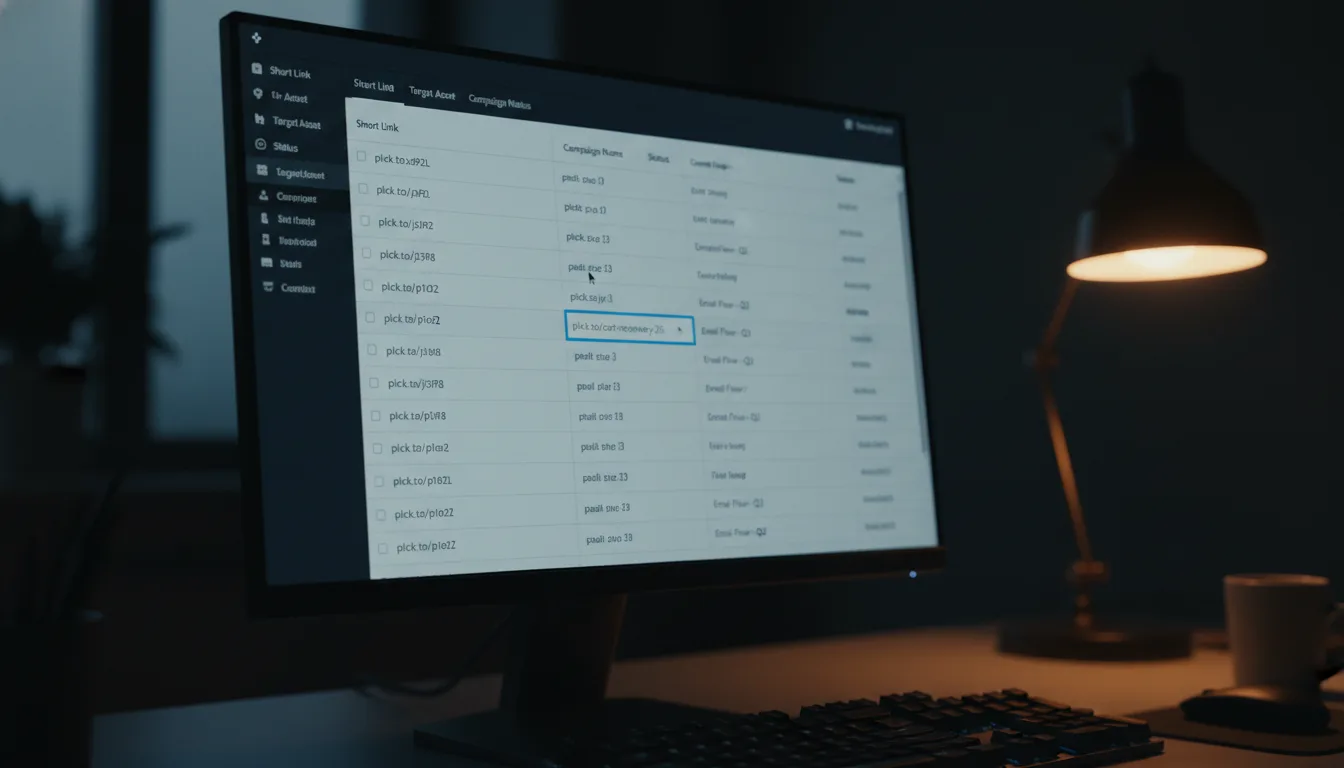
The final phase of our migration was less about technical configurations and more about the human element. We had to retrain our marketing team, who were accustomed to the old, clunky ways of manually creating different links for different channels and trying to keep track of them all. We showed them how to generate a single, all-encompassing "Smart Link" right within the Planck.to dashboard – a process so simple, it almost felt like cheating.
Then came the moment of truth. We decided to run a pilot program with our weekly newsletter, which goes out to tens of thousands of users. Instead of the usual web links, every single call-to-action was replaced with one of our shiny new deep links. The email went out to 50,000 users. We held our breath, crossing our fingers and silently willing it all to work.
Results: The "After" Snapshot – Real Impact, Real Numbers
The relief was almost instantaneous. The results of our migration were visible almost immediately, and believe me, it was a moment of collective celebration. That infamous Friday afternoon support ticket? We haven't seen one like it since. Not a single "link opens in Safari" complaint! It felt like we had finally tamed the wild west of mobile linking.
"The seamless transition from email to app felt like we finally removed the invisible wall between us and our customers. It's not just a technical fix; it's a leap forward in customer trust."
Beyond the anecdotal relief, the quantitative metrics told an even more compelling story. Our deep linking migration delivered truly impressive numbers that directly impacted our bottom line:
- 35% Increase in App Opens: This was huge! Users who previously endured the frustrating mobile web experience were now successfully routed directly to our native app. This meant less friction, more engagement, and happier customers.
- 20% Higher Conversion Rate: Think about it: when users arrive directly in a logged-in state within the app, with their payment methods already saved, the psychological and practical friction to purchase drops dramatically. That 20% wasn't just a number; it was a testament to a superior user experience.
- Unified, Actionable Analytics: This was a dream come true for our marketing and product teams. We could finally track the *entire* user journey, from a social media click on planck.to/promo all the way through to the final checkout within the app. No more guessing, just clear, traceable data.
While the numbers were fantastic, the biggest, most impactful win wasn't just the raw metrics—it was the newfound consistency across every touchpoint. Whether a user discovered us through a Twitter post, an SMS notification, or even a QR code, their journey to our content was identical, predictable, and seamless. That consistency builds immense trust and strengthens our brand.
Takeaways & How to Apply: Your Path to Seamless Mobile Experiences
If your organization is currently grappling with that frustrating disconnect between your web and mobile presence, if you're seeing high click-throughs but stagnant app engagement, then I can tell you this with certainty: you are likely losing valuable users in that friction-filled gap. Migrating to a smart deep linking strategy isn't just a "nice to have" anymore; in today's mobile-first world, it's absolutely essential infrastructure, a foundational pillar for digital success.
Ready to pave a smoother road for your users? Here's how you can take our learnings and apply them to your own deep linking migration:
1. Conduct a Thorough Link Audit
First things first: you need to understand your current state. Take a deep dive and meticulously identify all the places where you're currently sending mobile traffic. Are you inadvertently sending mobile users to desktop-only sites, forcing them to pinch and zoom? Are you relying on raw, unoptimized links that offer no intelligence? Map out every single "dead end" and friction point in your current user journey. Knowing your weaknesses is the first step to building strength.
2. Choose the Right Tooling (Seriously!)
Please, I beg you: do *not* try to build a device detection and routing engine from scratch. It's a tempting thought for many engineering teams, but trust me, it's a massive, ongoing maintenance burden. Mobile operating systems are constantly evolving; iOS and Android regularly update their deep linking standards. Rely on a specialized link management platform that offers robust Deep Linking, Universal Links, and App Links support right out of the box. Solutions like Planck.to handle this complexity for you, allowing your team to focus on innovation, not endless patching.
3. Prioritize the "First Open" Experience with Deferred Deep Linking
This is where you'll find some of your biggest ROI. Focus heavily on implementing Deferred Deep Linking. The transition from "I don't have the app installed yet" to "I just downloaded it, and now I'm instantly seeing the exact content I wanted" is perhaps the highest friction point in the entire mobile marketing funnel. Solve this seamlessly, and you'll dramatically improve your user acquisition, retention, and ultimately, your conversion rates.
4. Test, Test, and Test Again on Real Devices
While simulators are fantastic for coding, they are absolutely terrible for testing deep links. You *must* physically tap a link in various real-world environments: check it in Gmail, in Slack, in Messages, within a social media app's in-app browser (like Instagram or Facebook), and even via QR code. This is how you'll truly see how the operating system and various apps handle the link intercept. Real-world friction, those tiny annoyances that derail user journeys, often hide in these specific contexts.
Conclusion: Paving the Road to a Seamless Digital Future
The migration from a scattered mess of web links to a unified, intelligent deep linking architecture was more than just a technical project for us. It was a profound journey of cleaning up years of technical debt and fundamentally rethinking our approach to user intent and experience. We transitioned from a world where we simply *hoped* users would find their way, to a world where we meticulously paved the road for them, guiding them effortlessly to their desired destination.
By embracing and implementing a robust deep linking strategy, we didn't just fix a pesky Friday afternoon support ticket. We achieved something far greater: we unified our entire brand experience across every digital touchpoint. Now, when a user sees one of our links, like planck.to/winter-sale, they know with confidence that it will take them exactly where they want to go, instantly and seamlessly, regardless of the device in their hand or where they clicked it. And that level of seamlessness, that feeling of effortless connection, isn't just a nice-to-have; it's the ultimate goal of modern, user-centric digital experience. It's how you build lasting relationships with your customers.
Ready to get started?
Join thousands of users who are already using our platform to manage their links efficiently.
Create Your Free Account