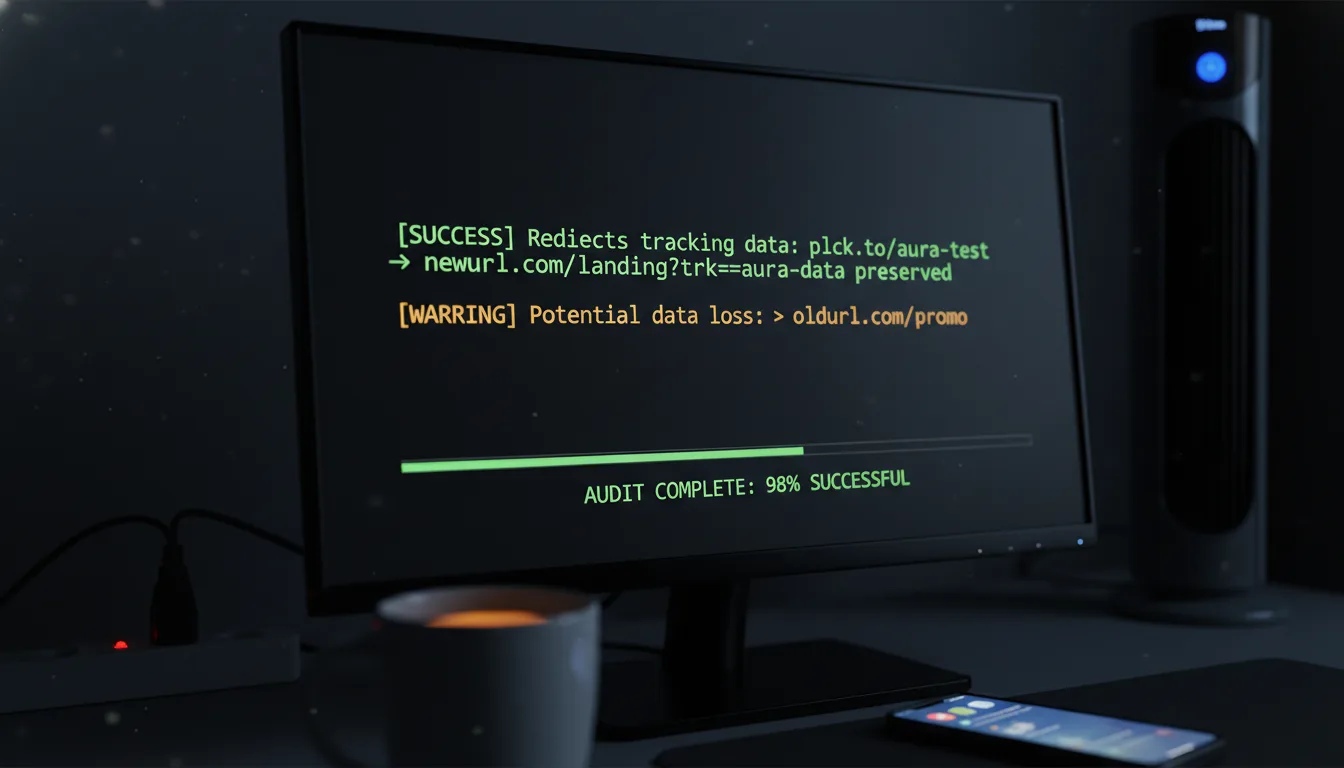
Reclaim Privacy: Planck Link Disabling Stops Unexpected Access.
Ready to get started?
Join thousands of users who are already using our platform to manage their links efficiently.
Create Your Free AccountReclaim Your Privacy: How Link Disabling Slams the Door on Unexpected Access
Imagine this scenario: Marcus, a savvy independent financial consultant, just wrapped up a highly successful quarterly review with his top-tier clients. To make things incredibly smooth and professional, he shared a personalized, shortened link leading to a secure – but temporary – folder packed with their financial projections for the upcoming year.
That link, planck.to/Q4-projections, got plenty of action that week. Meetings wrapped, the quarter ended, and Marcus, naturally, moved on to the next big thing.
Six months later, Marcus checks his analytics dashboard and feels that familiar, nauseating lurch in his gut. That exact link—the one meant only for a specific group of people during a specific week—has logged three *new* clicks. And get this: they're originating from an unknown IP address halfway across the globe. Someone, somehow, had stumbled upon it. And because that link was still *active*, still 'live' as we say, the digital doorway to that highly private folder was left gaping wide.
When we share links, it's easy to think of them as temporary vessels for information. But here's the uncomfortable truth: the internet doesn't forget. A link left active indefinitely is like leaving your front door unlocked, creating a silent but significant privacy vulnerability that many of us overlook.
Sound familiar? It should, because this isn't just Marcus's story. It's happening thousands of times a day to marketers, HR professionals, event organizers, and everyday users like you and me. It's the silent, creeping danger of the "Zombie Link"—a URL that has outlived its purpose but remains dangerously active. Today, we're diving deep into the ultimate privacy safeguard, the digital deadbolt against this exact nightmare: Link Disabling.
In this comprehensive guide, we're going to unpack the very real privacy risks posed by forgotten links, explore how link disabling serves as your crucial digital deadbolt, and show you exactly how you can reclaim absolute control over your digital footprint. Ready to secure your digital world? Let's go!
Theme 1: The Privacy Nightmare of "Zombie Links"
Before we can even *think* about solving this problem, we've got to understand the unseen vulnerabilities lurking in our everyday link-sharing habits. It's more common than you think! Let's tackle some of the most common questions regarding the privacy risks of active, forgotten links.
Q: What exactly happens to shortened links after a campaign or event ends?
Here's the kicker: In the vast majority of cases, absolutely nothing happens. And *that's* precisely where the problem starts. When an event concludes, or a hiring period closes, the *context* of the link expires, but the underlying routing mechanism? It just keeps chugging along.
Consider Elena, a busy HR manager. She uses a custom link, planck.to/engineering-test-2023, to direct candidates to a private assessment portal. The hiring round closes in November. Great! But the link itself? It's still lurking in old emails, saved in candidates' browser histories, maybe even scraped by those relentless job-board bots. The link becomes a true "Zombie"—dead in purpose, but technically alive, acting as an unmonitored back door, just waiting for someone to find it, leading straight into private company assets. Scary, right?
Q: Who is actually clicking these old, forgotten links?
It's a really common misconception that if you're not actively promoting a link, no one will click it. But the internet doesn't work that way! The reality is much more intricate, and honestly, a bit unnerving. Unexpected traffic generally stems from three primary sources:
- Web Scrapers and Bots: These aren't people; they're automated programs, constantly crawling the web, looking for *any* live URL to index, archive, or even worse, exploit. They don't care if your campaign ended last year.
- Curious Past Users: Ever gone digging through old emails? Your clients or applicants do too. They might stumble upon an old link months later and, out of pure curiosity, click it just to see if it still works.
- Unauthorized Third Parties: This is where things get truly risky. What if an email was accidentally forwarded? Or a document shared a little too widely? People completely outside your intended audience could try to access that information, long after it should have been put away.
Always assume that once a link is published—even in a seemingly private email—it has the potential to be accessed by someone else in the future. Embrace a "zero-trust" mindset for your long-term link management, and you'll be far safer.
Q: Why is this considered a major privacy vulnerability?
Here's the thing about privacy: it all boils down to two critical concepts: consent and control. When you initially share a link, you're consenting to grant access to a specific piece of information at a specific time, to a specific audience. Pretty straightforward, right?
But when that time passes, your consent is effectively withdrawn. Yet, here's the rub: the underlying technology often hasn't caught up with that nuance. Leaving a link active indefinitely means you're essentially surrendering control over who sees your data, when they see it, and how often. Whether it's a link to a proprietary pricing sheet, an unlisted video, or a shared drive containing personal identifiable information (PII), an open link isn't just a potential vulnerability; it's a sustained privacy leak just waiting for the right person (or bot) to discover it.
Theme 2: Taking Back Control with Link Disabling
So, if leaving links active is such a massive privacy risk, what's the game-changing solution? Don't worry, it's not some complicated tech wizardry. Let's dive into the powerful mechanics of link disabling and discover how it completely transforms your digital security posture.
Q: What exactly is Link Disabling?
Okay, let's use an analogy here. Think of a URL like a drawbridge, connecting users to your valuable content. Now, Link Disabling is your ability to *raise that drawbridge* at will. Pretty neat, right?
The bridge itself still stands, you still own the land leading up to it, but access is completely cut off. Nobody's crossing it until *you* say so. When you disable a link, you are temporarily (or permanently) pausing its ability to redirect traffic to the destination URL. Instead of landing on that sensitive document or hidden webpage, anyone who clicks the disabled link will simply be met with a friendly error page or a custom "This link is currently inactive" message. No more unwanted guests!
"Privacy isn't just about hiding things; it's about having the power to decide who has access to your digital life, and for how long. Disabling a link is the ultimate expression of that power."
Q: Why shouldn't I just delete the link entirely?
Ah, this is probably the most common question we get! And it's a super important one. The answer boils down to two crucial factors: historical value and brand ownership. Let's go back to Marcus, our financial consultant. If Marcus simply deletes his shortened link (planck.to/Q4-projections), two devastating things happen:
- Data Annihilation: Poof! All that valuable historical click data? Gone. Marcus would lose the ability to look back and see how his clients actually engaged with that document during its active period. That's precious insight, forever lost.
- Loss of Real Estate: Even worse, once a custom link is deleted, that unique URL slug is essentially released back into the wild. Someone else could potentially snatch it up and use it for *their* purposes, completely hijacking the trust Marcus had carefully built with that specific web address. Imagine the brand confusion!
Disabling the link elegantly solves *both* these problems. Marcus keeps all that incredibly valuable historical data, *and* he retains permanent ownership of that custom slug. All this, while ensuring no one can ever access the private destination again – until he decides they can. It's truly the best of both worlds.
Q: Can I re-enable a link after disabling it?
Absolutely, and this is where the true genius of the "pause button" approach really shines! It's not a permanent delete; it's a temporary hold. If Elena, our HR manager, wants to use the exact same planck.to/engineering-test link for the *next* hiring cohort six months later, she simply logs back in, finds the link, and with a quick flick of a toggle, brings it back to active.
No need to generate a whole new URL, no reprinting materials (if she had them), and certainly no starting from scratch. It's seamless, efficient, and saves a ton of administrative hassle. Talk about smart link management!
Theme 3: Real-World Scenarios and Implementation
Understanding the theory behind link disabling is great, but how does this actually play out in your *real* daily workflow? How can you put this powerful privacy tool to work right now? Let's look at some practical, everyday scenarios and then walk through just how easily you can execute this essential strategy.
Q: What are the most critical scenarios where I should actively disable a link?
You should absolutely make it a habit to disable links in *any* scenario where access to the destination should be time-bound, audience-restricted, or simply temporary. Think about these everyday stories:
The Beta Tester Revolt: Our friend James, a software developer, sends out a link (planck.to/app-beta-v1) to 50 trusted users to test an unreleased app. Once the two-week testing window closed, he *immediately* disabled that link. Why? Because beta software, by its very nature, often contains unpatched vulnerabilities. If that link had leaked to a public forum months later, hackers could have easily accessed an insecure version of his software. Disabling that link wasn't just good practice; it proactively mitigated a potentially massive security flaw and saved him a huge headache.
The Forgotten Portfolio: An independent graphic designer sends a link to a hidden webpage containing a customized pitch for a specific client. After the pitch was (sadly) rejected, she simply forgot about the link, leaving it active. A year later, a competitor somehow stumbled upon it and, without batting an eye, copied her proprietary ideas. Disabling that link *immediately* after the client meeting would have acted as a powerful shield, protecting her hard-won intellectual property from unwanted eyes. Don't let your creativity become someone else's blueprint!
Q: How do I actually disable a link using a modern management platform?
Here's the good news: taking control of your privacy shouldn't feel like you need a degree in computer science. When you're using a sophisticated link management tool like Planck.to, we've intentionally designed the process to be a simple, one-click action. It's all about empowering you without overwhelming you.
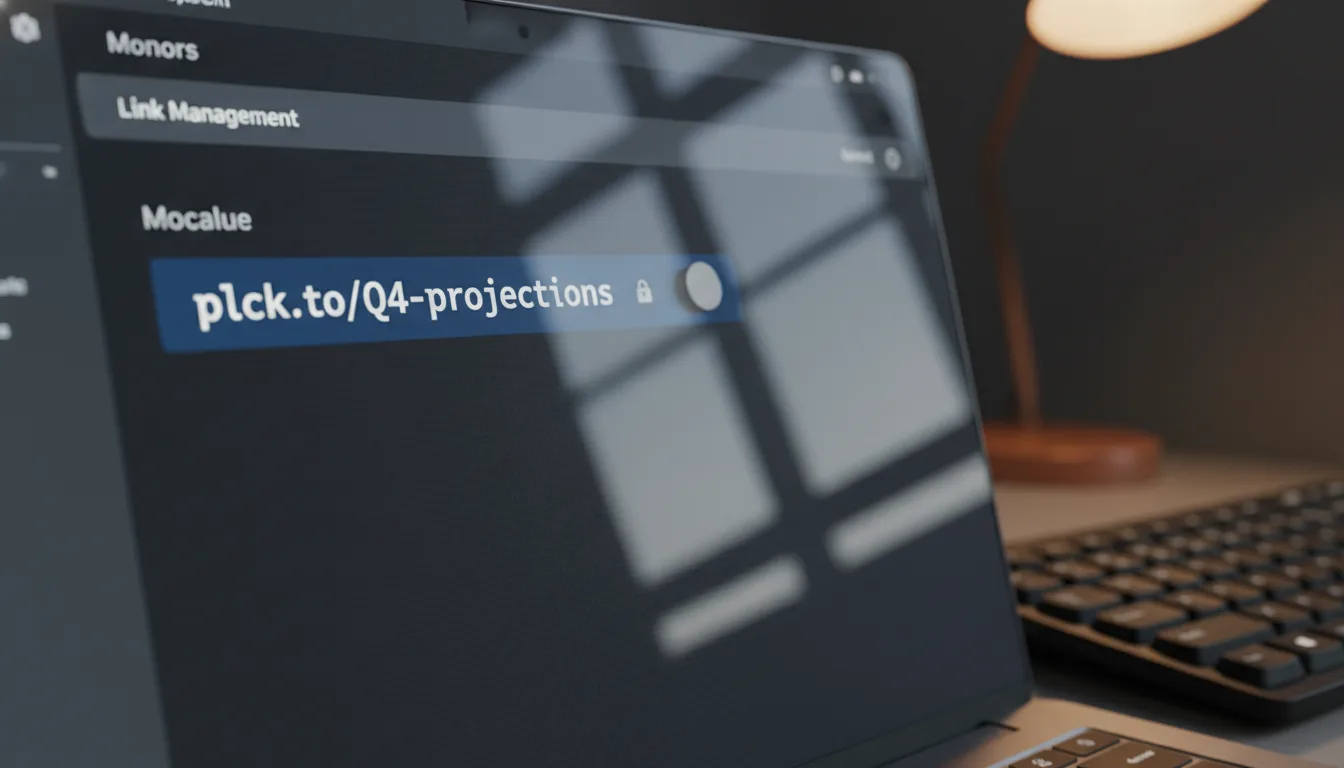
Within your intuitive dashboard, you simply locate the campaign or specific URL you want to secure. Instead of reaching for a destructive "Delete" button, you'll find a clear, simple toggle switch. Flip it to "Inactive" or "Disabled." *Instantly*, the routing protocol is suspended. The moment you flip that switch on Planck.to, any subsequent clicks – whether from bots, scrapers, or genuinely unauthorized users – are stopped dead in their tracks. It's a quick, powerful move for ultimate control.
By making link disabling a standard part of your campaign wrap-up process, you immediately close privacy loopholes without sacrificing a single drop of your hard-earned analytics data. It's secure, it's smart, and it gives you peace of mind!
Q: What is the user experience when someone clicks a disabled link?
So, what happens when a user – or, more likely, a bot – tries to access one of your deactivated URLs? Do they see your private files, your hidden landing pages, or your confidential intake forms? Absolutely not. That's the whole point!
Instead, they're met with a safe, generic dead-end that protects your sensitive information. Most modern platforms will display a standard 404 error page, or a clean, custom message stating that the link is no longer active. This not only protects your brand reputation (no broken, glitchy redirects here!) but simultaneously throws an impenetrable wall in front of your private data. It's a win-win, ensuring your information stays exactly where it should: out of sight.
Your Privacy Protection Checklist
To make sure you're truly harnessing the power of link disabling to protect yourself and your business, we've put together a super handy, quick verification checklist. Think of it as your essential "end-of-campaign" privacy audit. Run through these steps at the end of every digital initiative, and you'll sleep a lot sounder!
- Identify Time-Bound Links: First up, gather all those URLs associated with limited-time offers, private meetings, or concluded hiring rounds. Which links *shouldn't* be active anymore? Make a list!
- Review Access Logs: Take a quick peek at your analytics. Are you noticing any unexpected spikes in traffic or strange locations trying to access old links? This is your early warning system!
- Execute the Pause: Head over to your link management dashboard and, with confidence, toggle those specific URLs to 'Disabled.' It's that simple and takes just a second.
- Verify the Lock: This is an important step! Open an incognito browser window and actually try to visit the disabled link (e.g., planck.to/old-campaign). Confirm that the gateway is securely shut and you see the expected inactive message.
- Retain the Data: Now, you can rest easy knowing all your valuable historical analytics are safely stored away, and your custom vanity slug remains securely yours, ready for future use if needed. You've protected your privacy *and* your data!
Conclusion: Closing the Door on Unexpected Access
Let's circle back to Marcus, our financial consultant friend from the beginning of this story. Had Marcus been aware of the incredible power of link disabling, that stomach-dropping moment could have been entirely avoided. Think of the stress he could have sidestepped!
Instead of leaving planck.to/Q4-projections lingering in the vast digital ether, just waiting for anyone to stumble upon, he could have logged into Planck.to that very Friday afternoon. A quick flip of a switch, and his clients' sensitive data would have been instantly locked down. He'd still retain all the precise analytics showing exactly when his clients opened those documents, but he would have unequivocally slammed the door on *any* future, unauthorized access. Peace of mind, instantly.
Privacy in our fast-paced digital age isn't often about grand, sweeping, one-off gestures. More often, it's about the quiet, consistent habits and routines we build into our workflows to safeguard our information. Leaving old links active is, frankly, an unnecessary and easily avoidable risk in a world where data is constantly being scraped, monetized, and, let's be honest, exploited.
By consciously utilizing link disabling, you fundamentally transform your URLs from passive, lingering liabilities into tightly controlled, secure digital assets. *You* dictate the timeline. *You* control the access. And most importantly, *you* own your data's destiny. It's high time we stopped leaving our digital doors unlocked and started taking back absolute control of our link privacy. Your digital peace of mind depends on it!
Ready to get started?
Join thousands of users who are already using our platform to manage their links efficiently.
Create Your Free Account