Tutorials
Step-by-step guides for getting the most out of Planck: creating your first short link, setting up a custom domain, organizing links into Spaces, generating QR codes, and configuring link expiration or password protection. If you want exact steps to follow rather than a general overview, start here.

Upgrade to Planck: The Definitive Migration Checklist
The Strategic Importance of a Seamless Link Migration Ever thought about what happens behind the scenes when someone clicks one of your brand's links? It's more than just a quick redirect, isn't it? F...
Read more
Solving Team Link Chaos: A Planck Collaboration Guide
Introduction: Escaping the Black Hole of Team Links Have you ever found yourself frantically scrolling through endless team chat histories, desperately trying to unearth that one crucial link? Or perh...
Read more
Setup Planck Spaces for Scalable Team Link Management
Introduction to Scalable Link Management: Taming the Digital Wild West Ever feel like your enterprise is a link factory? You're not alone. For any large organization, digital assets are deployed at a ...
Read more
How Savvy Creators Supercharge Their Reach with Custom Landing Pages
You know as well as anyone that building an audience in today's digital landscape is a monumental effort
Read more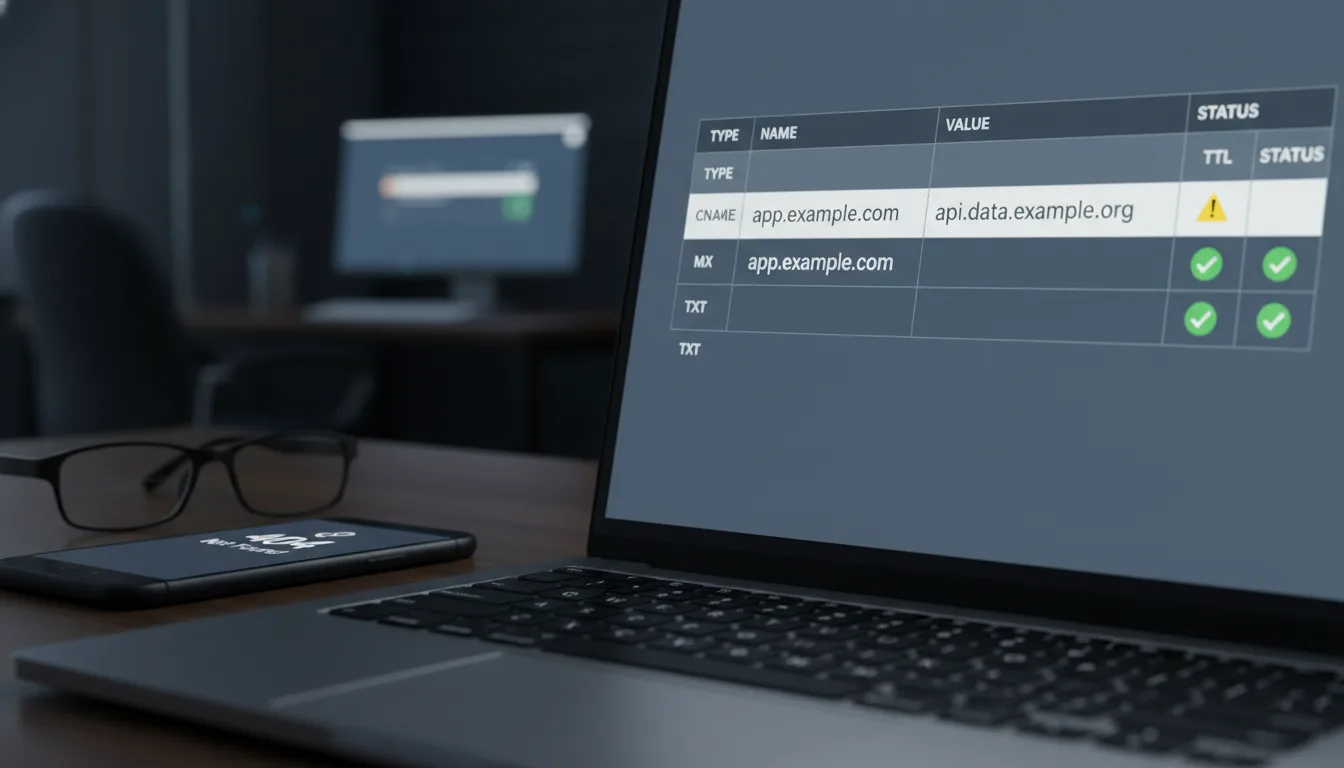
Custom Domain Traps: Troubleshooting Your First Planck Setup
It's like a mini-graduation day for your digital marketing efforts
Read moreTags
Ready to get started?
Join thousands of users who are already using our platform to manage their links efficiently.
Create Your Free Account