Configuring Enterprise QR Codes with Custom Links
Ready to get started?
Join thousands of users who are already using our platform to manage their links efficiently.
Create Your Free AccountConfiguring Enterprise QR Codes with Custom Links: The Expert's Playbook
Here's the thing about modern business: the line between our physical world and digital experiences is blurring faster than ever. What used to be a simple black-and-white square on a poster – the humble QR code – has blossomed into a critical piece of the puzzle. We're talking omnichannel marketing, streamlined supply chains, and seriously boosted internal efficiency.
But for the big players, the enterprise giants, just churning out a basic QR code just won't cut it. Nope. When you're operating at scale, you need something far more sophisticated. Think strict governance, powerful analytics, and brand consistency that never wavers. That's the real game-changer.
So, what sets a standard QR code apart from its enterprise-grade cousin? It all comes down to the engine under the hood: the link management system. By pairing those high-density QR codes with custom, branded short links, organizations unlock a whole new level of control. Every single scan becomes an opportunity for rich data capture, targeted retargeting, and, here's the best part, the incredible flexibility to tweak destination URLs even after those codes are out in the wild.
Consider this your definitive guide, a playbook crafted for technical leads, marketing directors, and operations managers ready to master enterprise QR code configuration. We're going way beyond simple generation here. We're diving deep into the essentials: domain governance, dynamic routing, and ironclad security protocols. Are you ready to level up your QR strategy?
In the enterprise universe, the QR code itself is just the sleek vehicle. The true power lies in the custom short link it encodes – that's your high-performance engine. The success of your entire campaign hinges on how perfectly that link is configured before it ever sees a printer.
Getting Your Ducks in a Row: Prerequisites for Enterprise Configuration
Before you even think about rolling out QR assets across your organization, there are some fundamental technical and brand components you absolutely need to have in place. Trust me on this one: skipping these crucial steps is a fast track to "link rot" (that's when your links break, by the way), messy, fragmented data, or, even worse, off-brand experiences that can seriously chip away at consumer trust. Let's make sure you're properly equipped!
- Custom Domain Access: You'll need admin-level access to your organization’s DNS records. Alternatively, you might have a subdomain specifically set aside for link management, something like scan.mybrand.com. This is non-negotiable for branded, trustworthy links.
- Vector Brand Assets: High-resolution logos are a must. We're talking SVG or EPS formats. Why? Because you'll want to embed your branding right into the QR code without messing up its ability to scan. Pixels just won't cut it here!
- Robust Link Management Platform: You'll need an enterprise-tier account with a reputable provider that supports dynamic link editing and delivers incredibly detailed analytics. This is where the magic happens, giving you the control and insights you need.
- Clear Destination Roadmap: Before you create anything, you need a crystal-clear understanding of where your users will land. This includes perfectly mobile-optimized landing pages and even smart fallback URLs for those desktop scans (yes, some people still scan on their computers!).
Your Expert Workflow: A Step-by-Step Configuration Guide
Configuring enterprise QR codes isn't a simple, one-and-done task. It's a carefully orchestrated, multi-layered process that begins with setting up your domain and culminates with the physical printing of your codes. Follow this proven workflow, and you'll ensure both scalability and top-tier security for all your deployments. Let's walk through it together.
Step 1: Establishing Link Governance with Custom Domains
The very first step in crafting an enterprise-level QR strategy is making absolutely sure that the URL encoded within your QR code proudly represents your brand. Think about it: when someone scans a code, their smartphone usually shows a preview of the URL before they even click. A generic, unmemorable domain like generic.com/xyz? That immediately screams "sketchy" and can tank your trust and click-through rates. But a branded domain, something like planck.to/offer or scan.corporation.com, instantly signals security, professionalism, and, most importantly, trust.
To get this vital step set up, you'll need to configure a CNAME record within your DNS settings. This CNAME record will point directly to your chosen link management platform. What this does is empower the platform to generate those sleek, custom short links using your very own proprietary domain. It's a powerful move for brand control!
Always opt for a short, dedicated subdomain specifically for your QR codes – something like qr.brand.com or go.brand.com. This keeps the encoded URL wonderfully concise, which in turn physically reduces the complexity of the QR pattern. The result? Codes that are much easier to scan, even at smaller sizes or from a greater distance. It's a small detail that makes a huge difference in user experience!
Step 2: Configuring the Dynamic Short Link – Your Campaign's Backbone
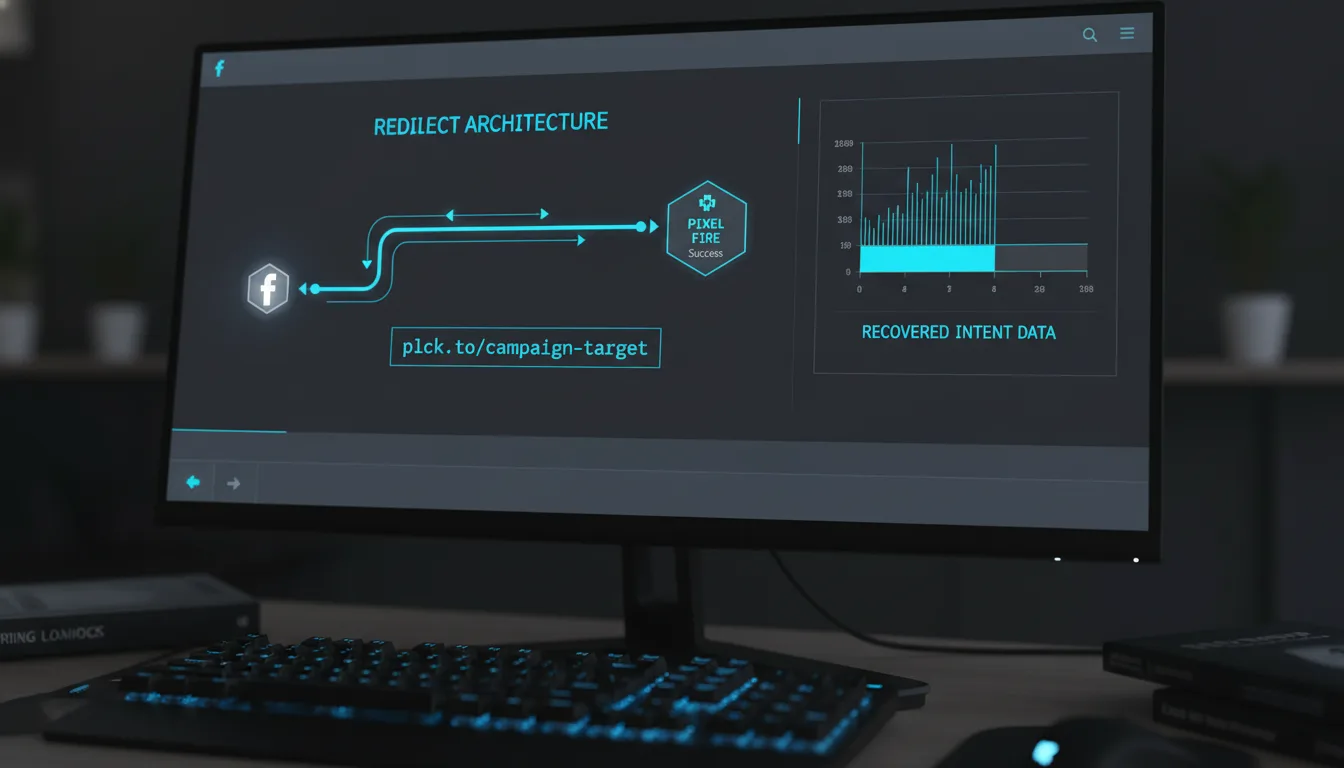
Once your custom domain is up and running, the next crucial step is to create the "Dynamic Link" itself. This isn't just any link; it's the intelligent backbone of your entire QR code strategy. Here's why it's a game-changer: unlike static links that are set in stone, dynamic links give you the incredible power to change the destination URL on the backend without ever altering the short link itself. And that, my friends, means you won't need to reprint a single QR code.
Head over to your link management dashboard and simply create a new link. For instance, you might set up planck.to/summer-catalogue. Initially, you'd point this to your current seasonal landing page. But here's the beauty of it: if the URL for that catalogue changes (as often happens!), or if the campaign wraps up and you want to redirect all that traffic to a "coming soon" page, you can do it instantly through your platform. Imagine the savings in time, money, and hassle when you don't have to recall or reprint physical assets!
Step 3: Generating and Customizing the QR Asset for Optimal Scanability
With your intelligent short link locked and loaded, we move into the actual generation phase. This is where enterprise QR codes really shine, requiring a delicate balance between seamless aesthetic integration and rock-solid technical robustness. You want your QR code to look great, yes, but more importantly, you need it to be effortlessly scannable by everyone, every time.
"One of the most common pitfalls in enterprise QR deployment is aggressive over-customization. When designers push the aesthetic boundaries too far, they often violate crucial quiet zone or contrast requirements, effectively rendering the code unreadable by standard devices. Simplicity and adherence to technical specs are key here."
When you're generating your code, keep these vital parameters at the forefront:
- Error Correction Level (ECL): Don't skimp here! Set this to 'High' (H) or 'Quartile' (Q). This isn't just a technical setting; it's your safety net. It adds redundant data to the QR pattern, allowing the code to be scanned successfully even if up to 30% of it is damaged, smudged, or purposefully obscured by an overlaid logo. It’s like having an extra layer of protection.
- Contrast: This is a big one for scannability. Always ensure a super high contrast ratio. While you absolutely can incorporate your brand colors, remember this golden rule: the foreground (the intricate pattern) must be significantly darker than the background. Think classic dark blue on white – that works beautifully. Light grey on white, however? That's a definite no-go.
- Logo Embedding: Want to add your brand's iconic logo right in the center? Go for it! Because you wisely set a high ECL, the scanner is smart enough to simply ignore that central logo and efficiently read the surrounding data pattern. It’s a fantastic way to boost brand recognition without sacrificing functionality.
Step 4: The Power of Context – Implementing UTM Parameters
For any enterprise-level analytics strategy, simply knowing a QR code was scanned is, frankly, insufficient. You need context. You need to understand the "who, what, where, and why" behind each interaction. That's where UTM parameters come into play. Before you shorten your ultimate destination URL, make sure you append all those valuable UTM parameters.
However, here’s a critical piece of advice: resist the urge to directly encode a massive, 200-character URL packed with UTMs straight into your QR code. Why? Because that creates an incredibly dense, complex pattern that becomes notoriously difficult to scan. We want easy, fast scans, remember?
Instead, embrace this streamlined workflow:
- Start with your wonderfully detailed, long destination URL: site.com/landing?utm_source=print&utm_medium=qrcode&utm_campaign=q3_launch.
- Now, take that entire, information-rich string and shorten it into a clean, elegant link: planck.to/q3-launch.
- Finally, generate your QR code using this beautifully concise short link.
By shortening your UTM-heavy link, you achieve the best of both worlds! You preserve all that incredibly rich analytics data while simultaneously keeping the physical QR code pattern clean, sparse, and lightning-fast to scan. It's a win-win for data and user experience!
Bringing it to Life: Real-World Enterprise Examples
To truly grasp the power and scalability of this configuration, let's look at a couple of real-world deployment scenarios. In these situations, getting the setup right isn't just a recommendation; it's absolutely non-negotiable for success.
Scenario A: Navigating the Supply Chain & Product Packaging
Imagine a global electronics manufacturer that prints QR codes directly onto their product packaging – perhaps linking to user manuals. Once those boxes ship, there's no recalling them. They're out in the world!
Configuration: This manufacturer wisely uses a dynamic link, something like planck.to/model-x-manual.
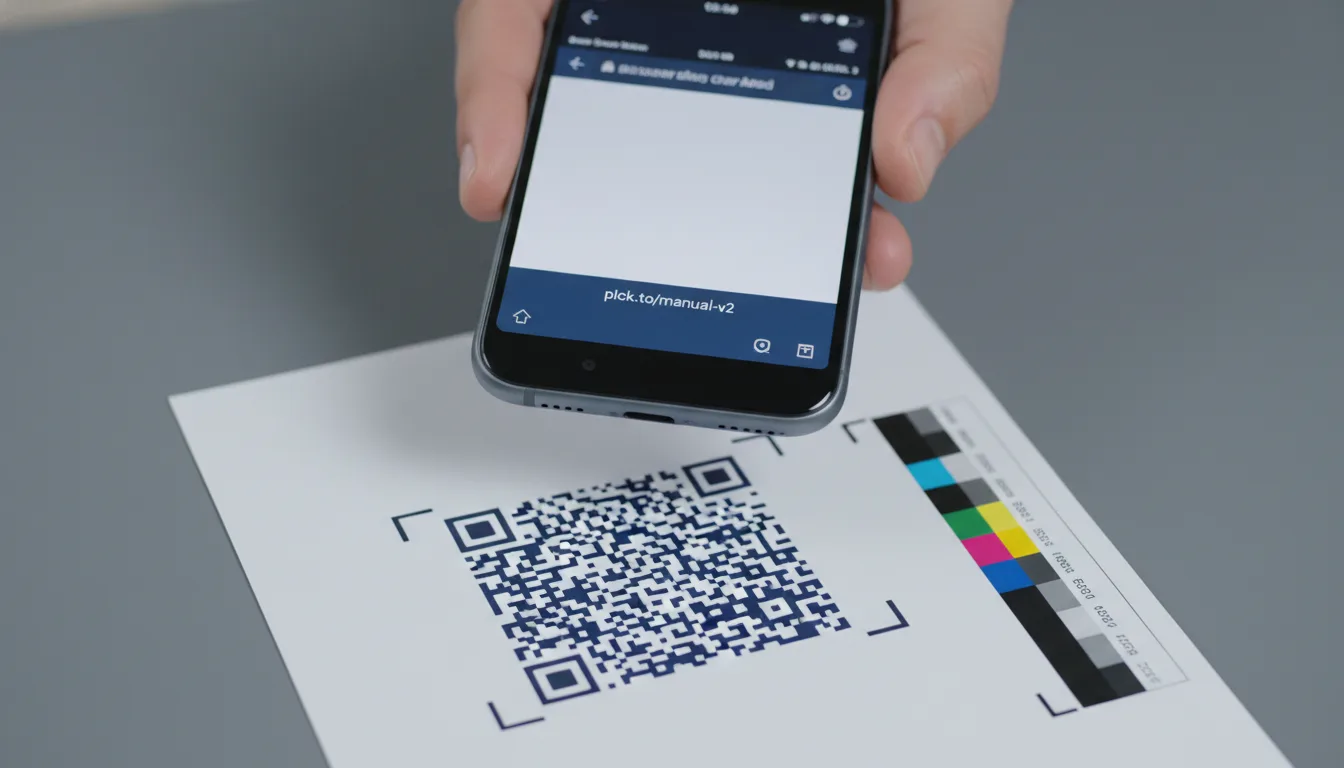
Benefit: Six months down the line, a critical firmware update is released, requiring a new version of the manual. Instead of trashing millions of boxes, the manufacturer simply updates the destination URL for planck.to/model-x-manual to point to the new PDF. All the physical boxes already on retail shelves? They remain perfectly valid, always leading to the most current information. That's pure genius, and massive cost savings!
Scenario B: Dominating Out-of-Home (OOH) Advertising
Now, picture a major retail chain launching an ambitious subway advertisement campaign. These ads are in high-traffic, often challenging environments.
Configuration: They employ high-contrast QR codes with a 'High' Error Correction Level. This foresight accounts for all sorts of real-world challenges: the glare from station lights, the slight movement of commuters, and varying scanning distances.
Benefit: To meticulously track their ROI, they use distinct short links for different subway lines. For example, planck.to/subway-line-a for one line and planck.to/subway-line-b for another. Both links point to the same brilliant destination, but the unique short links allow them to precisely attribute conversions and engagement to specific geographic placements. This provides invaluable data for optimizing future ad spend.
Don't Make These Rookie Mistakes: Common Pitfalls in Enterprise QR Deployment
Even with the most sophisticated tools and the best intentions, deployment errors can creep in and completely derail your campaigns. It happens. But by being aware of these frequent pitfalls, you can steer clear and ensure your QR strategy is bulletproof. Let's learn from the mistakes of others!
1. Getting Creative with Inverted Color Schemes
While some of the very latest scanners and top-tier smartphone cameras can handle "inverted" codes (that's a white pattern on a black background), you'd be surprised how many legacy scanners and older devices simply can't. To guarantee maximum compatibility across your entire target market – and you always want maximum reach, right? – stick to the tried-and-true: a darker pattern on a lighter background. It’s a simple rule that avoids a lot of headaches.
2. Crowding the "Quiet Zone"
Every single QR code demands a pristine margin of white space around its pattern. This isn't just for aesthetics; it's a critical technical requirement known as the "quiet zone." This clear border allows scanners to accurately identify where the code begins and ends. Designers, in their zeal for creativity, often jam this space with graphics, text, or even busy backgrounds, which unfortunately renders the code completely unreadable. Respect the quiet zone, always!
3. Relying on Static Links for Print Campaigns (A Major No-No!)
Listen up: creating a static QR code for anything that's going to be physically printed is a massive, critical risk. Think about it: if that destination URL ever breaks, changes, or if the campaign simply runs its course, all that expensive printed material immediately becomes obsolete. It's essentially trash. This is precisely why you must always use a dynamic redirect service. It completely decouples your physical print assets from their digital destinations, giving you unparalleled flexibility and longevity.
When Things Go Wrong: Troubleshooting Scannability Issues
So, you've configured your QR codes, you're excited, but during the crucial testing phase, some of them are just... failing to scan. Don't panic! It happens to the best of us. Let's walk through this diagnostic playbook to pinpoint the problem and get you back on track.
- Check the Data Density: Does your QR code pattern look like a super dense, almost chaotic "static noise"? This is a dead giveaway that the encoded URL is simply too long. The fix? Switch to a shorter custom domain or use an even more concise alias (for example, instead of planck.to/very-long-campaign-name, opt for a punchier planck.to/go). Simpler patterns scan faster and more reliably.
- Verify Size Constraints: Size matters, especially for QR codes. For standard handheld scanning distances, your QR code should be at least 2cm x 2cm (roughly 0.8 inches). For larger-than-life applications like billboards, there's a handy rule of thumb: the code's width should be about one-tenth of the viewing distance. So, if your audience is viewing from 10 meters away, you'll need a 1-meter wide code.
- Test Your Materials Thoroughly: The surface you print on can be a silent killer of scannability. If you're using glossy paper, lamination, or placing codes behind glass, glare can become a huge issue. Always test your codes under various light sources – including direct light – to ensure they remain perfectly readable in real-world conditions. A shiny finish might look nice, but it could be your undoing!
This cannot be stressed enough: always conduct a rigorous "print test" before committing to mass production. Print the code at 100% scale on the exact material intended for the final output. On-screen verification, no matter how good it looks, is never, ever sufficient for physical media. Don't learn this the hard way!
Wrapping It Up: Your Enterprise QR Code Journey
Configuring enterprise QR codes isn't just another task; it's an exercise in strategic foresight and meticulous governance. It demands a shift in perspective, moving your focus away from the mere visual generation of the code and towards the robust architectural setup of your underlying link infrastructure. By smartly leveraging custom domains, rigorously enforcing high error correction standards, and intelligently utilizing dynamic short links like those offered by top-tier platforms, organizations can deploy physical-to-digital assets that are inherently secure, completely trackable, and wonderfully adaptable to an ever-changing digital landscape.
Ultimately, our goal is always to craft a seamless, frictionless user experience. When a customer takes the time to scan your code, they're entrusting your brand with their valuable attention. A properly configured, beautifully branded, and lightning-fast loading experience doesn't just honor that trust – it actively drives measurable, impactful business outcomes. Make it a standard practice for your team to adopt these expert-level guidelines for all future deployments. It's how you'll maintain the integrity of your digital footprint and continue to impress your audience.
Ready to get started?
Join thousands of users who are already using our platform to manage their links efficiently.
Create Your Free Account