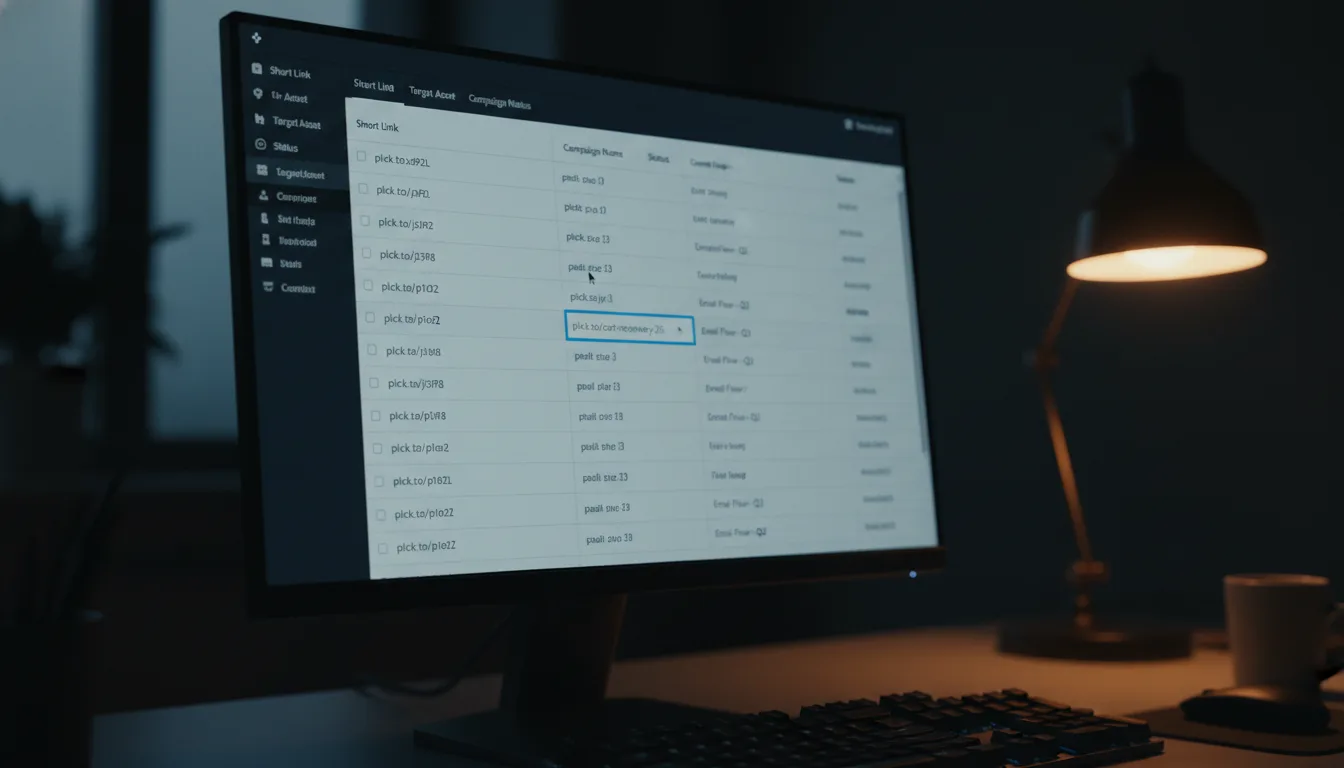
How Link Search & Filter Reveals Hidden Link Power

Ready to get started?
Join thousands of users who are already using our platform to manage their links efficiently.
Create Your Free AccountImagine, if you will, stepping into a massive, dimly lit warehouse. It's vast, sprawling, and frankly, a bit overwhelming. From floor to ceiling, towering shelves are crammed with countless boxes. Inside each one? Something incredibly valuable: a direct pathway to your customers, a bridge to your revenue, a vital connection to your audience. But here's the kicker: the boxes aren't labeled clearly. The aisles twist and turn into a confusing labyrinth. And to make matters worse, the lights are flickering erratically. Now, picture this: you urgently need one specific box, right this second, to salvage a marketing campaign that's currently hemorrhaging money. The pressure is on!
Does that scenario sound a little too familiar? Because, let's be honest, this chaotic warehouse is a perfect metaphor for the average digital marketer's link management dashboard after just a year of heavy activity. We're constantly creating thousands of links: snappy social media snippets, irresistible email CTA buttons, QR codes for print flyers, and specialized influencer tracking links. In the exhilarating rush of launching new initiatives, we generate them, push them live, and immediately sprint to the next task.
But what happens when the dust settles, and you absolutely *must* find that one specific link from six months ago? You know, the one that's still miraculously driving traffic, but is now, inexplicably, pointing to a dreaded 404 error page? Or perhaps it's that game-changing link used in a viral tweet that you desperately need to replicate for your next big push? Suddenly, that bustling activity turns into a frantic scramble.
This is precisely where the often-underestimated, yet utterly indispensable, hero of digital organization makes its grand entrance: Link Search & Filter. This isn't just some basic utility; oh no. It's a powerful combination – a time machine that lets you revisit past campaigns, a shrewd detective kit for auditing your digital footprint, and a strategic asset, all seamlessly rolled into one elegant solution. It truly shifts your approach from reactive guesswork to proactive mastery.
Effective link management goes far beyond merely creating snappy short URLs. It's fundamentally about your ability to instantly retrieve, thoroughly analyze, and deftly optimize those links, regardless of their age or original purpose.
The Architecture of Discovery: What Does "Link Search" Really Mean?
To truly grasp the immense power of this feature, we need to zoom out and look beyond the simple magnifying glass icon we're all accustomed to seeing on most websites. In the sophisticated world of professional link management, search and filtering aren't just about keywords; they're all about context.
Think of it this way: when you meticulously manage a robust portfolio of links, you're not just dealing with a list of URLs. What you're actually managing is a sophisticated database of *intent*. Every single link you've ever created represents a specific intention you had at a precise moment in time. Maybe it was to drive sign-ups for a webinar, boost sales for a holiday promotion, or simply share a blog post. Link Search & Filter empowers you to query that invaluable database using three primary, incredibly effective vectors:
- The Title: This is the human-readable name you thoughtfully assigned to the link, something memorable like, say, "Summer Sale Instagram Bio." It's your internal label, a breadcrumb for future you.
- The Alias: This is the custom, snappy back-half of your short link. For instance, the "summer-sale" part in
planck.to/summer-sale. It's often public-facing and designed for easy recall. - The Original URL: Ah, yes, the long, often messy, destination link where your users ultimately land. This is the technical backbone, the true endpoint of their journey.
Why "The Long Tail" (of Your Data) Matters More Than You Think
Let's bring this to life with a quick story about Alex, a content manager at a rapidly growing tech startup. Over the past three years, Alex's team has published over 400 blog posts. Each and every one of those posts was meticulously shared across Twitter, LinkedIn, and Facebook, each with its own unique tracking links to monitor performance. That's a lot of links, right?
One seemingly ordinary Tuesday, the marketing director drops a bombshell: "Alex, big news! We're rebranding, and that means we absolutely *must* update the destination URL for every single link that currently points to our old pricing page. Get on it!"
Now, imagine Alex without robust search capabilities. They'd be looking at a soul-crushing week of manually clicking through hundreds, if not thousands, of links. Talk about a productivity killer! But with Link Search, Alex simply types the old pricing page URL into the search bar. What happens next? Instantly, like magic, the system filters through those thousands of links to pinpoint the exact 42 specific instances where that outdated URL is still active. Crisis averted, and Alex is a hero, all thanks to a smart search feature. This isn't just convenience; it's a strategic advantage!
How It Actually Works: The Mechanics of Lightning-Fast Retrieval
The real magic behind a truly robust search and filter system lies in its incredible ability to simultaneously parse and understand different types of data. It instantly transforms your once-static link dashboard into a dynamic, highly responsive search engine, ready to deliver insights at your command.
Filtering by Alias: Your Memory Lane
The alias is often the most memorable part of a link, and for good reason—it's the segment specifically designed for human recall! If you've been smart enough to use a consistent, descriptive naming convention, like planck.to/blackfriday-email, then searching for "blackfriday" will immediately isolate every link associated with that specific campaign. Isn't that brilliant? This becomes incredibly useful when you're trying to replicate the runaway success of a past seasonal campaign but can't quite remember the exact tracking parameters or destination URLs you used back then. Your alias becomes your digital breadcrumb!
Filtering by Destination: The Technical Deep Dive
This is where things get wonderfully technical. Sometimes, you might not recall what you named a link, or even its custom alias, but you definitely know *where* it's supposed to go. By searching for a specific domain or a unique UTM parameter within your destination URLs, you can perform a thorough audit of your entire link strategy. For example, simply searching for utm_source=facebook will instantaneously generate a comprehensive report of every single Facebook link you have ever created, regardless of how you titled or aliased them. Now that's powerful analytical insight at your fingertips!
"Order is the sanity of the mind, the health of the body, the peace of the city, the security of the state. As for beams, so for links: structure is everything."
Don't limit yourself to searching for only whole words! Partial searches often unearth the best hidden gems and save you time. For instance, just typing "2023" can help you quickly identify, audit, and archive all of last year's outdated content, keeping your dashboard neat and tidy.
The Hidden Benefits: Why Search Mastery Transforms Your Workflow
While the concept of a search feature might initially seem purely utilitarian, the profound benefits of mastering it are truly transformative for any marketing team's workflow. It completely shifts the dynamic from a chaotic, reactive stance to a streamlined, proactive powerhouse. Let's dig into some of these game-changing advantages.
1. The "Panic Button" Resolution: Instant Crisis Aversion
We've all been there, haven't we? You launch a brand-new campaign, heart pounding with excitement, only to have a customer tweet five minutes later: "Hey, that link's broken!" Panic immediately starts to set in. You know you have hundreds, possibly thousands, of links cluttering your dashboard. Without a powerful search function, you'd be scrolling frantically, desperately trying to locate the culprit. But with intelligent search, you simply type the campaign name into the search bar, find the problematic link in mere seconds, quickly edit its destination, and *poof* – crisis averted! All before most of your audience even has a chance to notice. In digital marketing, speed truly is the ultimate benefit, and search delivers it.
2. Eliminating Link Rot: Safeguarding Your SEO and UX
Link rot – that insidious, gradual decay of links pointing to pages that no longer exist – is an absolute nightmare for SEO and user experience. Imagine users clicking on your beautifully crafted short links, only to land on a disheartening "Page Not Found" message. It’s terrible for brand perception and your search rankings! By periodically searching for old campaign terms or specific landing pages you know have been taken down, you can quickly identify these "dead" short links. Once found, you can then strategically redirect them to fresh, relevant content, preserving your valuable traffic and significantly improving the overall user experience. It's an essential maintenance task made easy.
3. Preventing Duplication: Crystal-Clear Analytics
Before you even think about creating a shiny new link for your "About Us" page to stick in your Twitter bio, a lightning-fast search can tell you if one already exists. "But why does that even matter?" you might ask. Here's why: splitting your valuable analytics across five different, slightly varied links for the exact same destination dilutes your data and makes true performance tracking impossible. By consistently using one, well-chosen link, you gain the power to track total clicks and engagement far more accurately over time. This leads to cleaner data, better insights, and ultimately, more informed marketing decisions.
Teams that proactively utilize powerful search filters to audit their links on a quarterly basis consistently report a remarkable 30% reduction in broken link reports from users. What's more, they benefit from demonstrably cleaner, more aggregated, and highly reliable analytics data. That's a win-win in our book!
Getting Started with Planck.to Search: Your Command Center Awaits
Implementing this highly efficient workflow is surprisingly intuitive, especially when you're working with platforms specifically designed with user experience at their core. When you're logged into your Planck.to dashboard, that unassuming search bar isn't just a decorative element; it's your personal command center, ready to instantly retrieve any link you need.
Here's a simple, actionable narrative for how you can effortlessly integrate this powerful feature into your daily routine and start seeing immediate benefits:
- The Initial Audit: First things first, log in and take a quick glance at your most recent links. Then, type the name of your brand into the search bar. How many variations of links do you see pointing to your homepage? This quick exercise gives you a baseline.
- The Smart Cleanup: Next, actively identify any links that currently have generic names (like the dreaded "Untitled Link"). Take a few moments to edit them, giving them clear, descriptive titles. Think of this as "seeding" your personal search engine for future you – a small investment now saves huge headaches later.
- The Power Test: Now, for the fun part! Try to locate a link you created, say, three months ago, using only a keyword you remember from its destination URL. Witness firsthand how swiftly and precisely the filter isolates the exact result you need. It’s an eye-opening moment!
For example, let's say you're looking for a specific link you once created to promote a webinar. Simply typing "webinar" into the search bar will intelligently scan both the titles *and* the aliases (like planck.to/webinar-signup), instantly bringing precisely what you need right to the very top of your stack. No more endless scrolling, no more guesswork – just pure efficiency.
Advanced Tips: The Art of Naming for Future Retrieval
Here's the thing: your search filter is ultimately only as powerful as the data you consistently feed it. To truly unlock the "hidden power" lying dormant within your links, you absolutely need to adopt a smart, forward-thinking naming convention that proactively anticipates your future searches. Think of this not as extra work, but as strategically leaving perfectly clear breadcrumbs for your future self. It's an investment in your own efficiency!
The Bracket Method: Categorize Like a Pro
When you're titling your links, try a simple yet incredibly effective technique: use brackets to neatly categorize them. For example, instead of just "Winter Sale Link," try something like this:
[Social][Q4][Promo] Winter Sale Link
By adopting this consistent method, you can then simply type "Q4" into the search bar and instantly filter every single link you've created for the fourth quarter, regardless of the specific year or the particular campaign. Need to find all your social media links? Just type "Social" and watch as every email or SMS link is filtered out, leaving you with exactly what you need. It's like having custom folders, but built directly into your search!
Date-Stamping Aliases: A Chronological Blueprint
If you're anything like most marketers, you probably run recurring events or seasonal campaigns. In such cases, please, *please* avoid generic aliases like planck.to/webinar. While easy to type, it offers zero context. Instead, get specific and use a date-stamped alias, such as planck.to/webinar-nov23.
When you later search for "webinar," you'll be presented with a clear, chronological history of all your past events. This incredibly organized view allows you to quickly discern which topics truly resonated, which links garnered the most engagement, and even enables you to easily reuse the successful structure of high-performing links for your very next event. It's not just about finding; it's about learning and optimizing from your past efforts.
Always remember: good data hygiene directly translates to phenomenal data insights. Taking those extra five seconds to name your links descriptively now can save you countless hours of frantic searching and frustration later. It's a small effort for a massive payoff!
Conclusion: From Digital Chaos to Absolute Clarity
Let's circle back to that daunting, dimly lit warehouse. Imagine now that instead of wandering those confusing aisles with a flickering flashlight, you're armed with a sleek digital tablet. You confidently type in "Campaign X," and instantly, a powerful spotlight shines directly onto the exact box you need. The path is clear. The stress? It simply evaporates.
This isn't just a fantasy; this is precisely what Link Search & Filter offers you. It doesn't just manage your links; it transforms your entire link management platform from a disorganized storage locker into a high-speed, intelligently indexed library. This powerful capability empowers you to fix mistakes in an instant, analyze crucial trends effortlessly, and maintain a pristine, highly professional digital footprint that truly reflects your brand's excellence.
Your links are more than just URLs; they are the vital connective tissue of your entire digital marketing strategy. Don't let them get lost in the ever-growing digital noise. By mastering the art of search and filter, you're not merely managing short URLs; you are, in fact, mastering your own history, optimizing your future campaigns, and elevating your team's overall efficiency to new, unprecedented levels. It's time to take control!
Ready to get started?
Join thousands of users who are already using our platform to manage their links efficiently.
Create Your Free Account