Link Search & Filter: Complete Guide to Fast Finds
Ready to get started?
Join thousands of users who are already using our platform to manage their links efficiently.
Create Your Free AccountAs your digital footprint expands across the web, guess what else grows? Your personal or professional library of links! Whether you're a passionate solo content creator, a bustling small business owner, or a savvy marketing manager at a larger enterprise, chances are you're juggling hundreds—maybe even thousands—of shortened URLs. In the early days, finding a specific link felt like a breeze. You’d just scroll down your dashboard, spot it, and click copy. Easy, right?
But here’s the thing: as your campaigns scale and your digital presence explodes, that simple, manageable list quickly morphs into a sprawling, often chaotic, database. Sound familiar?
This is precisely where the dreaded "link clutter" sneaks in and becomes a massive productivity bottleneck. Imagine wasting ten precious minutes hunting for a specific affiliate link you created half a year ago, or desperately trying to locate that exact URL you used in last season’s social media bio. That's not just inefficient; it's a drain on your valuable time and mental energy. This is why robust, advanced Link Search & Filter capabilities aren't just a "nice-to-have" anymore; they're a critical operational necessity for anyone serious about their online presence.
In this comprehensive guide, we're going to dive deep into the mechanics of link searching and filtering. We'll uncover exactly why these features are absolutely essential for modern link management and, most importantly, arm you with practical strategies to organize your digital assets for instant, stress-free retrieval. Let’s get you reclaiming those lost minutes!
What Exactly is Link Search & Filtering?
At its very core, Link Search & Filter is essentially a powerful set of database management tools. Think of them as your personal digital librarians, expertly designed to help you query your entire link history based on specific bits of information, also known as metadata. While a basic search bar might only look for a simple text match within a single field, a truly robust link management system lets you query multiple data points simultaneously. It's like asking your librarian to find "the book about dragons, written by a female author, published in the last five years," instead of just "dragon book."
It’s not just about finding *a* link; it’s about finding the right context for that link. You might vividly remember the long destination URL but completely blank on the short link alias. Or perhaps you recall the catchy campaign name (the internal Title you gave it) but can’t for the life of you remember the specific landing page. Advanced search functionality brilliantly bridges these frustrating gaps in memory by meticulously indexing every single piece of data associated with your links.
True link management search goes far beyond just scanning the short URL (like planck.to/my-link). It smartly scans the internal title you carefully gave the link, the original, often long, destination URL, and even any custom alias you might have set. This comprehensive approach ensures you pinpoint exactly what you're looking for, no matter how hazy your memory might be!
The Three Pillars of Link Identification
To really master effective link searching, you first need to understand the three primary pieces of information that identify any shortened link. These are your foundational elements for organization and retrieval:
- The Title: This is the internal name you assign to a link within your dashboard. Crucially, it's visible only to you and your team, acting as your personal organizational tag. For example: "Summer Sale 2024 - Instagram Bio Link."
- The Alias: This is the public-facing, customizable part of your short link. For instance, in a link like
planck.to/summer24, "summer24" is the alias. It's what people actually see and type. - The Destination URL: This is the original, full-length web address where the user eventually lands after clicking your short link. It often includes important elements like UTM parameters and other tracking codes, making it crucial for analytics.
How It Works: The Mechanics of Instant Retrieval
Ever wonder what happens behind the scenes when you type a query into a link management search bar? The system doesn't just idly browse; it springs into action, executing a lightning-fast, real-time filter across your entire database. Grasping these mechanics isn't just for tech geeks; it empowers you to craft smarter search queries and, even better, organize your links more effectively right from the get-go.
Smarter Keyword Matching
Most advanced systems don't just look for exact matches; they utilize something called "fuzzy matching" or broad matching. This means they're smart enough to understand context and variations. So, if you type in "newsletter," the system won't just look for exact titles. It'll intelligently return results that might include:
- A Title like: "Weekly Newsletter Dec"
- An Alias such as:
planck.to/news-signup - A Destination URL containing:
.../campaigns/newsletter/landing...
This incredibly comprehensive scanning is your secret weapon, ensuring that even if you only remember a tiny fragment of the original URL or a loose keyword, you can still confidently locate that specific shortened asset.
Precision Filtering by Metadata
Think of it this way: search is active, requiring you to type; filtering is passive, allowing you to refine. Filters empower you to quickly narrow down a potentially massive list based on preset criteria, all without typing a single specific keyword. It’s like sorting your physical books by genre, author, or publication year. Common filtering parameters you'll find indispensable include:
- Creation Date: This lets you instantly view links created only in the last 30 days, a specific quarter, or even a particular year. Super handy for historical reviews!
- Click Volume: Want to know what's working? Sort links by "Most Clicked" to quickly identify your top-performing content. Or, flip it to "Least Clicked" to spot broken, underperforming, or ineffective links that need attention.
- Status: Easily filter to display only your active links versus those that have expired, are disabled, or are awaiting activation. Perfect for keeping your campaigns tidy!
Combine search and filter for maximum speed and unparalleled precision! For example, type "Q4 Campaign" into your search bar, and then immediately apply a date filter for "Last 3 Months." This powerful combo will instantly remove similar campaigns from previous years, giving you laser focus on exactly what you need.
Why You Absolutely Need Organized Link Management
You might be sitting there thinking, "Can't I just use Ctrl+F in my browser?" And honestly, for a handful of links, sure, that might cut it. But let's be real: that approach utterly fails at scale. Here’s why dedicated search and filter functionality isn't just a convenience; it's a foundational pillar of professional link management and a game-changer for your productivity.
1. Supercharge Your Speed and Workflow Efficiency
In the fast-paced world of digital marketing, speed often dictates who wins and who falls behind. Imagine this: you’re in the thick of drafting a time-sensitive email blast and suddenly realize you need the link to your shiny new pricing page. Fumbling through spreadsheets or countless browser tabs? No thanks! Instead, a quick search for "pricing" instantly brings up planck.to/pricing. Those seconds saved might seem trivial, but they compound into hours over a year. It's about preventing the dreaded "tab fatigue" and keeping you focused, not frantically switching between your website, your analytics tool, and your link dashboard.
2. Say Goodbye to Duplicate Work and Fragmented Data
This is a big one, especially in team environments! One of the most common headaches is unknowingly creating duplicate links for the exact same asset. Without a quick way to check if a short link already exists, team members might end up creating planck.to/webinar, planck.to/webinar-live, and planck.to/join-webinar – all pointing to the very same Zoom room! What does this lead to? Fragmented analytics, confused reporting, and a messy dashboard. By simply searching for the destination URL first, you can instantly see if a link already exists and reuse it, keeping your valuable click data consolidated and crystal clear.
3. Effortless Historical Data Auditing
Filters aren't just for finding current links; they unlock powerful auditing capabilities. Imagine filtering for all links created over a year ago. Instantly, you can spot old assets that might be redirecting to frustrating 404 pages or promoting outdated offers. This kind of proactive digital housekeeping is absolutely crucial for maintaining a professional, seamless user experience and ensuring your brand always looks its best. It's about proactive maintenance, not reactive damage control.
"An organized link library isn't just about neatness; it's about data integrity. If you can't find your links, you can't measure their success – and if you can't measure, you can't grow."
Practical Examples: When Search & Filter Truly Save the Day
Theory is great, but let's bring this to life with some real-world scenarios where these powerful features don't just help, they absolutely save your bacon!
Scenario A: The "Evergreen" Content Reshare
You remember writing a wildly popular blog post two years ago about "SEO Basics" – it's still super relevant! Now, you want to share it again on LinkedIn to engage your new followers. Without a good link management system, you'd probably go to your blog, copy the long, ugly URL, create a *new* short link, and essentially start from zero with your analytics. What a waste!
Action: You simply open your link manager and search for the keyword "SEO Basics".
Result: Bam! You instantly find planck.to/seo-guide, complete with its creation date from 2022.
Outcome: You flawlessly repost the existing short link. Not only do you save valuable time, but all the new clicks are seamlessly added to its historical data, giving you a comprehensive, lifetime view of that article's enduring popularity and performance.
Scenario B: The Affiliate Link Hunt
You're an experienced affiliate marketer promoting a fantastic software tool. To track your conversions effectively, you’ve created different, specific links for YouTube, Twitter, and even your email footer. Today, you need that precise link you crafted just for your Twitter promotions.
Action: You quickly search for the keywords "SoftwareName Twitter".
Result: Because you were smart and named your links well from the start, the exact asset planck.to/soft-tw appears instantly, without any guesswork.
Outcome: You confidently post the correct tracking link on Twitter, completely avoiding the embarrassment and analytical nightmare of accidentally using your YouTube tracking link. Your attribution data remains impeccable, helping you make smarter decisions about where your sales are truly coming from.
Getting Started with Link Search on Planck.to
If you're already leveraging the power of Planck.to for your link management, then you're in luck! Its robust search and filter capabilities are thoughtfully built directly into the main dashboard, ensuring incredibly easy access. Here’s a super practical workflow to help you start leveraging these invaluable tools effectively and instantly.
Step 1: Access Your Command Center (The Dashboard)
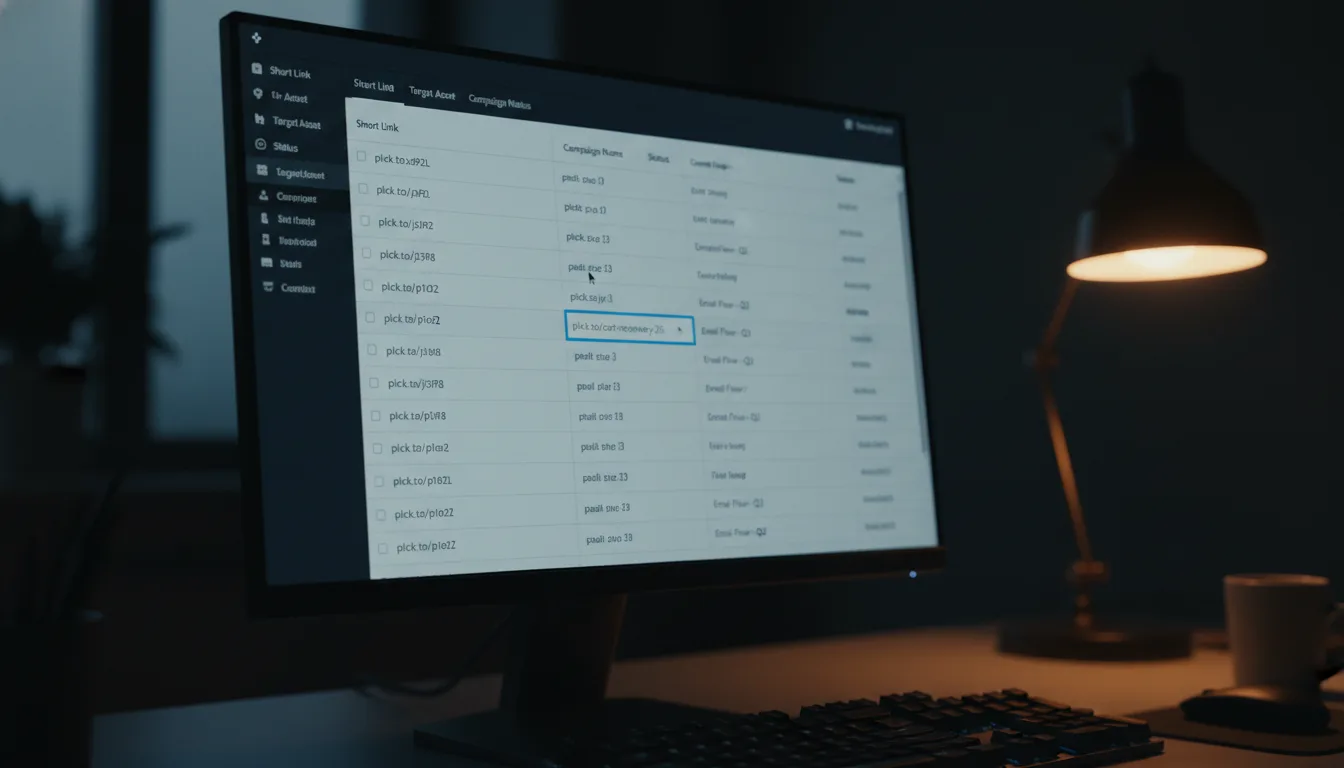
First things first, navigate to your main "Links" view. Consider this your central command center – the hub where all your link magic happens. Before you even start typing, take a quick peek at the default sort order. Most often, this is set to "Date Created (Newest First)," which conveniently shows you your most recent activity right upfront.
Step 2: Unleash the Power of Global Search
Now, locate that all-important search bar, typically nestled at the top of your links list. Go ahead and enter a keyword or phrase related to the link you're hunting for. Remember, on Planck.to, this smart search doesn't just skim the surface; it queries across three key data points: the internal Title you gave the link, the short Alias (e.g., the planck.to/example part), and the original, longer destination URL.
Try searching for a specific domain name (like "amazon.com"). This powerful trick will instantly reveal every single affiliate link you've ever created for that particular retailer, regardless of what you named its internal title. It’s perfect for auditing your partnerships!
Step 3: Apply Filters for Surgical Precision
Let’s say your initial search for "Campaign" returns a whopping 50 results. Don't fret! This is where the magic of filters comes in. Use the convenient filter dropdowns located right next to the search bar. Want to narrow it down? Select a specific date range, or perhaps sort by "Most Clicks" to instantly bubble the most important or top-performing links to the very top of your list. It’s about cutting through the noise to find exactly what matters most, right now.
Advanced Tips for Power Users: Mastering Your Link Library
Here’s a little secret: the true effectiveness of your link search is directly proportional to the quality of your initial data entry. To genuinely master link management and turn it into a superpower, you need to cultivate a "Search-First" mindset every single time you create a new link. Let's make your link library a well-oiled machine!
1. Establish a Consistent Naming Convention
The single most common mistake people make is leaving the link title blank or relying on generic, auto-generated titles like "Link 45." This is a missed opportunity! To make future searches instantaneous, you absolutely must establish a clear and consistent naming convention for your internal link titles. Think of it as labeling your digital files meticulously.
Bad Title: "Link 45"
Good Title: "Q3 Promo - FB Ad - Variant A"
See the difference? By including the timeframe (Q3), the channel (FB Ad), and specific content detail (Variant A) directly in the title, you guarantee that a search for any of those terms will instantly retrieve the link. Consistency here is king!
2. Craft Memorable and Descriptive Aliases
While those random strings of characters (like planck.to/x7z9q) are perfectly fine for temporary or internal-only links, custom aliases are incredibly powerful because they act as their *own* natural search terms. If you consistently use smart prefixes in your aliases, they become incredibly easy to filter and find.
Example Strategy: Adopt a habit of using "blog-" for all your blog posts (e.g., planck.to/blog-search-tips). By simply searching for "blog-", your view will instantly filter to show only your content marketing links. How's that for efficiency?
3. Implement Regular Database Maintenance
Just like your physical files, your digital link library needs a bit of dusting off now and then! Make it a habit to, say, once a quarter, use the "Sort by Oldest" or "Sort by Least Clicks" filter. This simple practice is fantastic for identifying dead weight in your account. You might uncover old test links, broken redirects, or campaigns that quietly ended years ago. Archiving or deleting these outdated assets declutters your search results significantly, making all your future searches even faster and more relevant. It's digital hygiene, and it pays dividends!
Conclusion: Your Path to a Seamless Digital Presence
Here's the bottom line: link management isn't just about the simple act of shortening a URL. It's about strategically building an accessible, well-organized, and incredibly powerful library of your most vital digital assets. As your online presence continues to scale and evolve, the ability to instantly locate, verify, and seamlessly redeploy your links transforms from a mere convenience into a significant competitive advantage. Seriously, don't underestimate its power!
By smartly leveraging the robust search and filter features available on sophisticated platforms like Planck.to, and crucially, combining them with disciplined naming conventions you establish, you'll witness a remarkable transformation. Your once chaotic dashboard will become a streamlined, intuitive, and highly efficient database. You'll stop wasting precious time and energy on frustrating link hunts and, instead, start dedicating more moments to analyzing the data that truly drives your business forward.
So, here’s a challenge for you: take a moment today to audit your current link list. Try a few searches for links you know are there. If you can’t find what you’re looking for in under five seconds, it’s a clear sign. It might just be the perfect time to give your link titles a much-needed update and fully embrace the transformative power of intelligent filters!
Ready to get started?
Join thousands of users who are already using our platform to manage their links efficiently.
Create Your Free Account