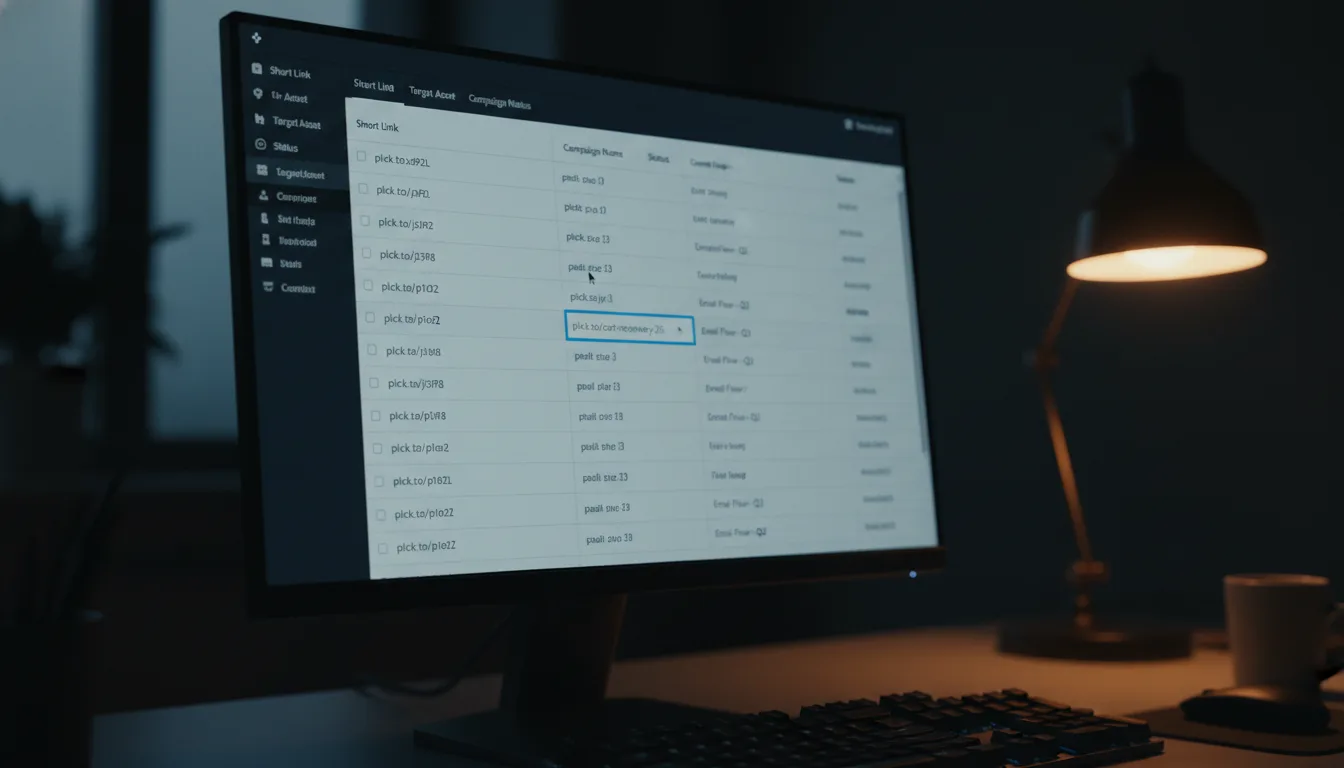
Maximize Engagement: Discover Planck.to's Spaces API

Ready to get started?
Join thousands of users who are already using our platform to manage their links efficiently.
Create Your Free AccountUnderstanding the Spaces API
In our fast-paced digital world, keeping your links organized is essential, whether you’re an individual or part of a larger enterprise. Enter the Spaces API—a powerful tool that allows you to create and manage spaces for your links programmatically. But what does that really mean for you? Let's explore how it can help streamline your link management and boost your productivity!
What is the Spaces API?
Think of the Spaces API as your personal organizational assistant for links. It allows you to create, manage, and categorize your links within defined spaces, similar to how you might use folders in a filing cabinet. This is especially useful for those juggling multiple links—marketers, content creators, or anyone looking to tidy up their digital life.
By harnessing the Spaces API, you automate the link organization process, making future access and analysis a breeze. It's like having everything you need right at your fingertips, neatly arranged.
How Does the Spaces API Work?
The beauty of the Spaces API lies in its simplicity. It lets you interact with the platform via HTTP requests, meaning you can create, update, retrieve, and delete spaces and links with straightforward API calls. Plus, the responses come back as JSON data, ready for you to work with in any programming language.
Here’s a quick glance at what you can do with the Spaces API:
- Create a Space: Start a new space to keep your links organized.
- Retrieve Spaces: Quickly access a list of all your spaces.
- Add Links to a Space: Programmatically include shortened links in any specific space.
- Manage Links: Update or remove links within your spaces with ease.
Practical Examples of Using the Spaces API
Now that we’ve covered the basics, let’s dive into some hands-on examples of how you can utilize the Spaces API.
Example 1: Creating a New Space
Imagine you’re a digital marketer wanting to compile all your promotional links for a summer campaign. You can create a fresh space with a simple POST request. Here’s how it looks:
POST /api/spaces
{
"name": "Summer Sale Campaign",
"description": "Links related to the summer sale campaign."
}
Once you send this request, you’ll get back a response with the details of your new space.
Example 2: Adding Links to the Space
With your space up and running, it’s time to start filling it with links. For instance, if you have a shortened link like planck.to/summer2023, you can easily add it to your new space with a POST request:
POST /api/spaces/{space_id}/links
{
"url": "https://planck.to/summer2023",
"name": "Summer Sale Landing Page"
}
This action will neatly organize your link in the "Summer Sale Campaign" space, making it easy to find later.
Example 3: Retrieving Spaces and Links
If you ever need to check all the spaces you’ve created, you can do so with a straightforward GET request:
GET /api/spaces
This will pull up a list of all your spaces, giving you a quick overview of your organization.
Use Cases for the Spaces API
The flexibility of the Spaces API opens up a world of possibilities. Here are a few ways it can supercharge your productivity:
1. Content Marketing
If you're a content marketer, you probably juggle an array of links related to blog entries, promotions, and social media posts. By categorizing these into distinct spaces—like one for blog links, another for social media campaigns—you can easily access the resources you need, when you need them.
2. E-commerce Management
For e-commerce businesses, managing links to products, promotions, and sales can feel overwhelming. The Spaces API helps e-commerce professionals organize promotional links and product information, leading to more effective marketing strategies and improved overall sales.
3. Team Collaboration
If you work in a team, having a shared space for projects can be a game changer. By creating spaces for different initiatives, all team members can store and access related links, enhancing communication and collaboration.
Benefits of Using the Spaces API
Adopting the Spaces API brings a plethora of advantages, elevating how you manage links:
- Increased Efficiency: Quickly retrieve and organize links without the need for manual sorting.
- Automation: Save time and minimize errors by automating link additions to your spaces.
- Enhanced Collaboration: Share spaces with colleagues for seamless project integration.
- Improved Analytics: Track performance within your spaces to make informed, data-driven decisions.
Getting Started with the Spaces API
If you’re eager to explore what the Spaces API has to offer, here’s a quick guide to get you up and running:
- Sign Up: Start by creating an account on your preferred link management platform.
- Obtain API Credentials: Access your API key from your account settings to authenticate your requests.
- Set Up Your Environment: Choose a programming language and configure your development environment. Libraries like Axios for JavaScript or Requests for Python can be very helpful.
- Start Making API Calls: Dive into the API documentation to explore various endpoints. Make your first call to create a space!
Conclusion
The Spaces API is a remarkable tool for anyone looking to streamline link management. Whether you’re a marketer, a team leader, or simply someone navigating a sea of links, this API makes organization effortless. By grouping your links into spaces, you’ll find retrieval faster and more intuitive, allowing you to focus on what truly matters.
So, what are you waiting for? Dive into the world of the Spaces API today and take your link management skills to new heights!
Ready to get started?
Join thousands of users who are already using our platform to manage their links efficiently.
Create Your Free Account