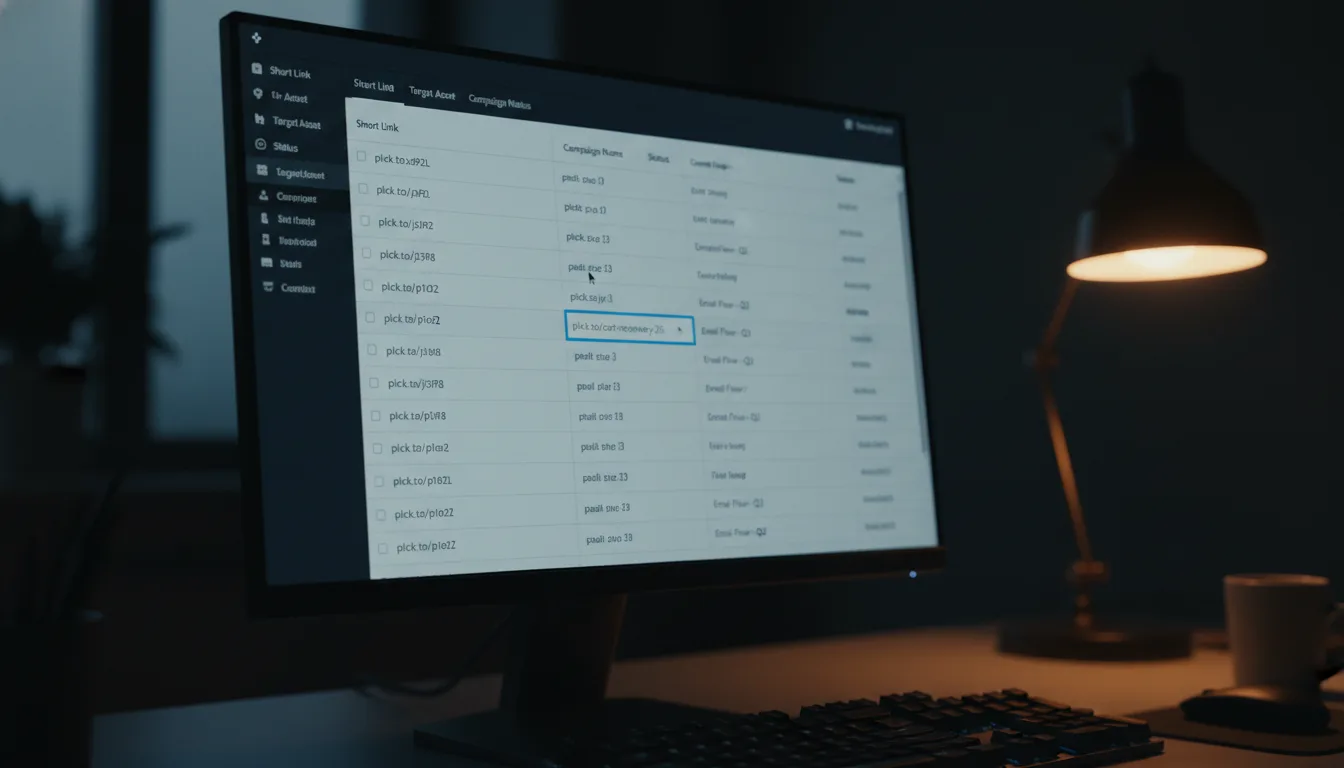
Pre-Launch Link Prep: A Planck Spaces Checklist
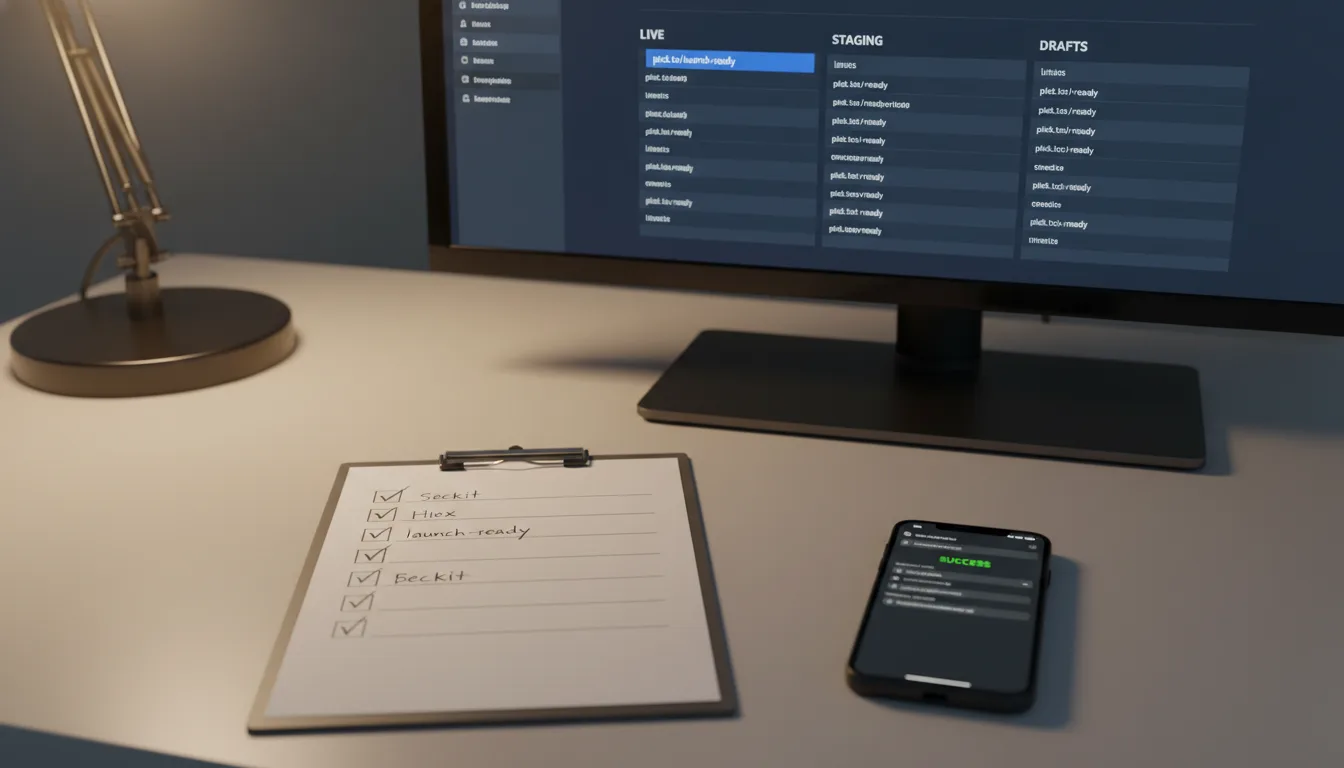
Ready to get started?
Join thousands of users who are already using our platform to manage their links efficiently.
Create Your Free AccountPre-Launch Link Prep: Your Ultimate Spaces Checklist for a Flawless Launch
Ah, launch day! It’s a thrilling cocktail of anticipation and high-wire anxiety, isn't it? You've poured months—maybe even years—into perfecting your product, meticulously crafting every marketing message, and coordinating with a whole army of partners. But then, in those chaotic, adrenaline-fueled final hours before you hit the big "Go Live" button, there's one incredibly critical piece of your digital puzzle that often gets shoved to the last minute: your links.
Here's the thing: virtually every single piece of your launch strategy hinges on a URL. Think about it – every email you send, every social media post, those eye-catching affiliate banners, even your urgent SMS blasts. They all rely on a precisely crafted link to whisk your audience straight to your offer. But if those links are a tangled mess, unorganized, or just lumped into one giant, overwhelming dashboard, you're essentially flying blind. And when a link unexpectedly breaks mid-launch, or you desperately need to check the real-time performance of a specific email campaign, trying to sift through hundreds of unrelated, unorganized URLs? That's not just frustrating; it's a guaranteed recipe for disaster.
This is precisely where Link Organization by Space swoops in to become your absolute launch day superpower. Imagine having a dedicated command center for your entire launch. By thoughtfully grouping all your related links together—whether it’s by project, campaign, or category—you create that focused hub, giving you crystal-clear visibility and control. This isn't just about neatness; it's about empowerment. So, let's dive into this comprehensive checklist. It’s designed to guide you through setting up, organizing, and thoroughly verifying every single one of your digital pathways long before you even think about hitting "send" on your next big campaign.
Goal & Scope: Why Link Spaces Aren't Just Nice-to-Have, They're Launch Essentials
The core goal of this pre-launch checklist is a game-changer: it's all about transforming your link management from a reactive, last-minute headache into a proactive, strategic asset. How do we do that? By leveraging the powerful Spaces feature within a robust link management platform like Planck.to. This allows you to completely isolate your critical launch links from all your everyday, evergreen content. Think of it like giving your launch its very own, meticulously organized digital filing cabinet, separate from everything else.
Seriously, picture it: instead of staring at a sprawling, universal timeline of every link your company has ever created, you can instantly filter your dashboard. Boom! You're now looking at only the links that are directly pertinent to your current launch. This incredible scope covers everything from meticulously mapping out your 'spatial' architecture right down to those final, crucial clicks of verification. Our mission? To ensure every single customer finds their way to your checkout page (or whatever your conversion goal is) without a single hitch, bounce, or moment of confusion.
Organizing your links by Space isn't merely about having a tidy dashboard. It's fundamentally about boosting your speed and sharpening your focus when it matters most. During a high-stakes launch, real-time data is absolutely critical. Imagine needing an instant pulse on a specific campaign. Filtering your dashboard by a dedicated Space means you can instantly gauge its performance without the distracting noise of unrelated historical data. That's invaluable.
Phase 1: Architecture and Strategy – Building Your Link Blueprint
Before you even think about generating a single short link, you absolutely must define the architecture of your campaign. This isn't a step to skip! Establishing a clear taxonomy upfront prevents a mountain of "organizational debt" down the line and, crucially, ensures your entire team knows exactly where to find the data they need, precisely when they need it.
1. Define Your Campaign Spaces: How Granular Do You Need to Be?
This is where you decide on the level of organization that best suits your launch. There’s no one-size-fits-all answer here, so think about your team size, the complexity of your campaign, and how many channels you're engaging.
- The Master Launch Space: For most small to medium-sized campaigns, a single, unified Space works wonders. Think "Fall 2024 Product Launch." It keeps everything neat and tidy in one spot.
- Channel-Specific Spaces: If you've got a massive multi-channel rollout or a larger team where different departments own specific channels, segmenting further makes a lot of sense. You might have "Fall 24 - Email Marketing" versus "Fall 24 - Paid Social." This empowers each team to focus on their unique data without distractions.
- Partner Spaces: Working with affiliates, influencers, or other external partners? Creating dedicated "Fall 24 - Affiliates & Influencers" Spaces keeps all third-party tracking completely isolated from your internal efforts, giving you cleaner data and better control.
2. Establish Naming Conventions: Consistency is Your Best Friend
Look, consistency isn't just a suggestion here; it's the absolute bedrock of a well-organized dashboard. You need to establish a strict, clear naming convention for your short links *before* your team even thinks about generating them. Why? Because if one team member uses "fb-promo" and another opts for "facebook-ad-1," you're in for a frustrating treasure hunt trying to find specific links later. Save yourself the headache!
We've found a proven naming formula that simplifies everything: [Platform]-[Content Type]-[Date/Campaign]. So, if you apply this, your custom back-half might look something like planck.to/ig-story-fall24 or planck.to/email-vip-promo. Not only does this make the URL instantly recognizable to your audience, but it also makes it incredibly easy to search and sort internally. Win-win!
Phase 2: Link Generation and Population – Building Those Digital Pathways
Alright, you've got your Spaces ready, and your naming rules are locked down. Excellent! Now, it's time to actually build out those crucial digital pathways. This phase demands meticulous attention to detail because you want to ensure every single marketing asset is properly tracked, categorized, and ready to perform.
1. Attach UTM Parameters Prior to Shortening: Don't Skip This!
Here’s a critical insight: your short link is only as powerful as the destination URL it points to. Before you even think about shortening anything, make sure your long, original URLs are fully armed with proper UTM parameters. We're talking source, medium, campaign, term, and content. This setup ensures that while your link management platform (like Planck.to) expertly tracks the raw clicks and engagement within your defined Space, powerful tools like Google Analytics or your CRM are simultaneously capturing all that deep conversion data. It's about getting the full picture, from click to conversion!
2. Generate Custom Branded Links: Boost Trust and Clicks
Please, for the love of all things marketing, replace those generic, random strings of characters with custom, branded back-halves! Trust, especially during a launch, is absolutely paramount. A clear, readable, and branded link not only looks professional but also significantly increases click-through rates. Your audience feels safer clicking on something they recognize.
- Create memorable, easy-to-type links for your social media bios – something like planck.to/launch-video.
- For SMS campaigns, concise links are a must to save precious character space while still maintaining that crucial brand trust.
- Generate unique partner links for each affiliate, such as planck.to/partner-john, so you can track their performance precisely.
3. Route Links to the Correct Spaces Immediately: No "Later" Allowed!
Seriously, don't fall into the trap of leaving your newly generated links sitting in a default, unassigned folder with the vague intention of organizing them "later." Trust us, "later" rarely comes on launch day. As you create each and every link, make it a non-negotiable step to assign it directly to the corresponding Space you so carefully crafted back in Phase 1. This immediate categorization isn't just good practice; it's the absolute core of staying launch-ready and maintaining sanity when things get hectic!
When you finish this phase, here’s what success looks like: you should be able to open your dashboard, filter by your "Q3 Product Launch" Space, and instantly see a beautifully clean, perfectly organized list of every single link related to that campaign. And the best part? It'll be completely separated from all your everyday content, giving you that laser focus you need!
Phase 3: QA and Collaborative Preparation – Getting Everyone on Board
Okay, your links are all created, categorized, and sitting pretty. Fantastic work! Now, it's time to ensure your entire team is not only equipped to monitor them effectively but that the links themselves are enriched with helpful context. Because launches are always a team effort, right?
1. Add Internal Notes and Descriptions: Context is King
A custom back-half is great; it tells you *what* the link is. But do you know what's even better? Descriptions! These tell your team *how* it's actually being used. Take a few extra moments to add brief, insightful notes to your links right within their Spaces. Detail which email segment it belongs to, what date it’s scheduled to go live, or which specific influencer is sharing it. This little bit of extra effort pays dividends in clarity and efficiency.
2. Grant Team Access to Specific Spaces: Secure & Smart Collaboration
Launch days? They absolutely require an all-hands-on-deck approach. But let's be real, not everyone needs (or should have) access to everything. If your chosen platform supports workspace collaboration, leverage it! Invite your core marketing team, your social media managers, and even your external agencies to view *only* the specific Spaces that are relevant to their roles. This streamlines workflows, prevents accidental edits, and keeps sensitive data secure.
"It was a game-changer for our last launch. By isolating our launch assets into a dedicated Space, our customer support team could instantly locate and verify the exact promotional links customers were asking about. This wasn't just helpful; it literally cut our response time in half during our busiest week. Imagine the impact on customer satisfaction!"
Common Pre-Launch Link Pitfalls: What NOT to Do!
Even with the best intentions and the most meticulous planning, digital marketing launches can, unfortunately, stumble over surprisingly simple link management errors. But here’s the good news: simply being *aware* of these common pitfalls is the crucial first step in avoiding them altogether. So, let’s talk about what often goes wrong.
The "Everything Everywhere All At Once" Dashboard
This, hands down, is the most common and easily avoidable mistake: completely ignoring a powerful feature like Spaces. When your critical launch links are mixed in with years of old, evergreen content, finding that one specific URL to update a typo on launch day turns into a profoundly stressful treasure hunt. Seriously, if you find yourself scrolling for more than five seconds to pinpoint a critical launch asset, your organization system is unequivocally failing you. It’s like trying to find a needle in a haystack, blindfolded.
Copy-Paste Fatigue: The Silent Killer of Accuracy
Picture this: you're rapidly creating dozens of links for different social platforms, emails, and partners. It's easy to get into a rhythm, and in that rush, marketers often accidentally paste the wrong destination URL into the shortener. What's the result? Disaster! Your eager Instagram audience clicks a link that was actually intended for an email segment. This doesn't just skew your precious metrics; it can also lead to your audience receiving completely wrong or irrelevant messaging. Trust me, it happens more often than you think.
Forgotten Fallbacks: What Happens When Success Strikes Too Hard?
Okay, imagine this fantastic scenario: your product sells out mid-launch because it’s so popular! Amazing, right? But now, what happens to all those active links still pointing to the sold-out product page? If your links are unorganized, manually tracking down every single active link to redirect it to an "Out of Stock" or "Join the Waitlist" page could literally take hours. Those are hours you don’t have on a busy launch day. The beauty of grouping your links in a Space is that you can rapidly identify, update, and manage all active campaign URLs in a matter of minutes, ensuring a smooth customer experience even when you're overwhelmed with success!
Quick Verification Steps: Your Final Pre-Flight Check
You're almost there! You're just 24 hours away from launch. Your content is meticulously scheduled, and your Spaces are perfectly built. Now, it's time for that crucial final step: executing this comprehensive verification checklist. This isn't just about checking boxes; it's about ensuring zero friction for your users and absolute peace of mind for you.
- The Incognito Test: Don't skip this one! Open an incognito or private browser window. Why incognito? To ensure no cached data interferes. Now, systematically click through every single short link residing inside your dedicated launch Space. Verify that not only does the correct page load flawlessly, but also that there are absolutely no frustrating redirect loops.
- The Mobile Tap Test: We live in a mobile-first world, so this is non-negotiable. Copy your links and send them to your own phone (or a colleague's). Now, test the tapping experience from various apps – social media, email, SMS. Ensure mobile deep-linking works exactly as expected. For instance, if it's a YouTube link, does it open the YouTube app directly, or does it force you into the mobile browser? Big difference!
- The UTM Audit: This is where you confirm your data tracking is solid. Once you've landed on the final destination page after clicking your short link, immediately check the address bar in your browser. Verify that all your hard-earned UTM tags are perfectly intact and reading correctly (e.g., do you see ?utm_source=newsletter in the URL?). If they're missing or malformed, you won't get the data you need!
- The Dashboard Filter Check: Go back to basics. Log into your account and consciously select your dedicated Space from the sidebar. Confirm, with absolute certainty, that *only* your launch links populate the screen. Is there a rogue personal or test link hiding in there? If so, remove it now! A clean dashboard is a clear mind.
Just a heads-up: testing your links, especially repeatedly, will generate test clicks. Before you officially launch, make sure to note your baseline metrics or, if your platform allows, reset them entirely. This seemingly small step ensures your launch day reporting starts with an absolutely clean slate, reflecting only genuine customer interactions and giving you the purest data possible.
Conclusion: Launch With Confidence, Not Chaos!
Think about it: a truly successful product or marketing launch is the culmination of immense effort, incredible creativity, and strategic planning that can span months. So, why would you ever let unorganized, chaotic digital pathways undermine all that brilliant hard work? By consciously treating your link management as a non-negotiable, crucial item on your pre-launch checklist, you’re not just being tidy; you're actively protecting your customer journey and ensuring the absolute integrity of your precious data. It’s an investment in your success.
Leveraging the power of Link Organization by Space fundamentally shifts your perspective. You stop seeing links as mere disposable strings of text and start treating them as incredibly valuable, perfectly categorized assets. When the launch finally goes live, and that exhilarating surge of traffic starts pouring in, you won't be scrambling. Instead, you'll have a clean, focused dashboard right at your fingertips, ready to provide real-time insights, allowing you to celebrate your well-deserved success rather than frantically hunting for broken URLs. What a feeling!
So, here’s your final encouragement: take the time today. Seriously, block out that time. Set up your architecture, categorize all your assets, and meticulously run those verification checks. Believe me, your future self—the one navigating the exhilarating, high-stakes rush of launch day—will absolutely thank you for it.
Ready to get started?
Join thousands of users who are already using our platform to manage their links efficiently.
Create Your Free Account