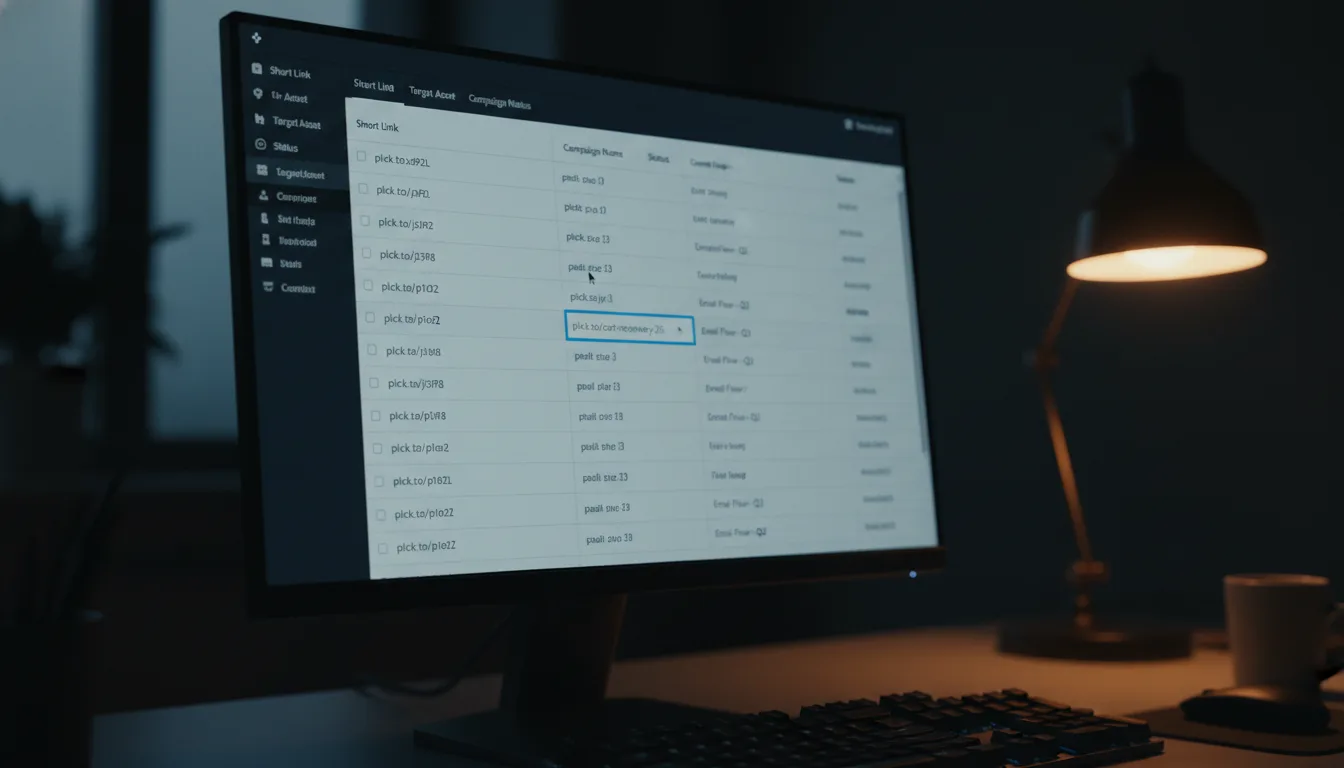
Unlock Clicks with Planck.to's Powerful Links API

Ready to get started?
Join thousands of users who are already using our platform to manage their links efficiently.
Create Your Free AccountUnderstanding Links API: A Comprehensive Guide
In today's digital landscape, managing URLs effectively can dramatically influence user engagement and analytics tracking. Enter the Links API—a powerful ally for developers looking to handle URLs programmatically. This nifty tool makes it easy to create, read, update, and delete links through code, allowing you to seamlessly integrate URL shortening into various applications. In this post, we’ll dive into the features and benefits of the Links API, showcasing how it can streamline your workflow and enhance user experience.
What is Links API?
At its core, the Links API is a collection of programming interfaces designed to let developers manipulate shortened URLs effortlessly. Forget the manual clicks; you can create, read, update, or delete shortened links entirely through code. This is particularly beneficial for businesses or applications that require bulk URL management or need to embed URL shortening features directly into their services.
By simplifying URL management, the Links API offers developers the flexibility to automate tasks and elevate functionality. You can effortlessly generate short links and customize them to fit your brand, all while keeping a firm grip on the data and analytics tied to those links.
How Does Links API Work?
The Links API operates via a series of endpoints that carry out specific actions on shortened URLs. Here’s a quick overview of the main capabilities:
- Create Links: Generate a new shortened URL.
- Read Links: Retrieve details about existing shortened URLs.
- Update Links: Change attributes or settings of a shortened URL.
- Delete Links: Permanently remove a shortened URL from the system.
Each functionality is accessible through standard HTTP requests like GET, POST, PUT, and DELETE. The responses generally come in JSON format, making integration into your application a breeze.
API Endpoints Overview
Let’s take a look at some key API endpoints you’ll encounter while using the Links API:
- Create Link: POST /links
- Retrieve Link: GET /links/{id}
- Update Link: PUT /links/{id}
- Delete Link: DELETE /links/{id}
Each endpoint requires specific parameters to work correctly. For example, when creating a link, you’ll need the original URL and optional parameters for customization, like a desired alias or a custom domain.
Getting Started with Links API
Now that you have a grasp on what the Links API is and how it works, let’s jump into a practical example. We'll outline the steps for creating, reading, updating, and deleting links using a fictional platform.
Step 1: Creating a Shortened Link
To kick things off, send a POST request to create your shortened URL. Here’s how you might do this in Python:
import requests
url = "https://api.example.com/links"
data = {
"original_url": "https://www.example.com",
"custom_alias": "mybrand"
}
headers = {
"Authorization": "Bearer YOUR_ACCESS_TOKEN"
}
response = requests.post(url, json=data, headers=headers)
print(response.json())
If successful, you’ll get a response that includes your newly minted shortened link, like planck.to/mybrand.
Step 2: Retrieving Link Information
Once your link is created, you may want to fetch its details later. A simple GET request will do the trick:
link_id = "LINK_ID"
url = f"https://api.example.com/links/{link_id}"
response = requests.get(url, headers={"Authorization": "Bearer YOUR_ACCESS_TOKEN"})
print(response.json())
This will return the link’s information, including analytics data like click counts and geographic breakdowns.
Step 3: Updating a Shortened Link
If you want to change a shortened link's settings, a PUT request will serve your needs. Here’s how:
link_id = "LINK_ID"
url = f"https://api.example.com/links/{link_id}"
data = {
"custom_alias": "newbrand"
}
response = requests.put(url, json=data, headers={"Authorization": "Bearer YOUR_ACCESS_TOKEN"})
print(response.json())
After this action, your link will be updated to the new alias, like planck.to/newbrand.
Step 4: Deleting a Shortened Link
To take a link down, send a DELETE request:
link_id = "LINK_ID"
url = f"https://api.example.com/links/{link_id}"
response = requests.delete(url, headers={"Authorization": "Bearer YOUR_ACCESS_TOKEN"})
print(response.status_code)
If the deletion is successful, you’ll receive a status code confirming that the link has been removed.
Use Cases for Links API
The Links API is a versatile tool that can shine in various scenarios. Here are some popular use cases:
- E-commerce Platforms: Automatically generate shortened links for product pages, making it easy to share on social media or in marketing campaigns.
- Analytics Dashboards: Enable users to create and track short links directly, providing insights into engagement.
- Social Media Management Tools: Embed URL shortening directly into scheduling tools for easy link creation and storage.
- Email Marketing: Programmatically shorten links for email campaigns, keeping them clean and trackable.
Benefits of Using Links API
Here are some fantastic reasons to consider utilizing the Links API:
- Automation: Save time and reduce manual errors by automating the link creation process.
- Customization: Personalize shortened URLs with unique aliases and branding options.
- Tracking and Analytics: Gain valuable insights into link performance to inform your marketing strategies.
- Scalability: Effortlessly manage large volumes of links without the hassle of manual intervention.
Conclusion
The Links API is a robust tool that can significantly enhance how you manage URLs in your applications. Whether you aim to streamline your e-commerce processes, boost user engagement through social media, or simply need a solid method for handling links, the Links API offers flexibility and efficiency.
So, why not take the leap? Start integrating the Links API into your workflows using the practical examples we’ve discussed. With a little help from a reliable platform, you’ll be able to create, read, update, and delete shortened links effortlessly, ultimately driving you closer to your digital goals.
For more detailed information and resources, be sure to check out the official documentation and explore all that the Links API has to offer!
Ready to get started?
Join thousands of users who are already using our platform to manage their links efficiently.
Create Your Free Account