Your Link Privacy: FAQs on Shortened Data Security
Ready to get started?
Join thousands of users who are already using our platform to manage their links efficiently.
Create Your Free AccountHey there, fellow digital traveler! Ever thought about what truly happens when someone clicks one of your links? It's more than just a simple action, right? Every single click is actually a pretty intricate digital handshake – a quick dance between the user, your servers, and whatever link management magic you're using. But here's the kicker: what about all that data generated during that split second? For us marketers, IT pros, and even just folks sharing stuff online, the intersection of URL shortening and data security has become incredibly important, more so than ever before.
You see, privacy isn't just a tick-box exercise anymore; it's a foundational pillar of trust with your audience. With browsers getting stricter on third-party cookies and regulations like GDPR and CCPA tightening their grip, truly understanding how your shortened links handle and protect user data isn't just smart – it’s absolutely non-negotiable.
That's exactly why I've put together this comprehensive FAQ guide. We're going to dive deep into the real-world implications of link privacy. Whether you're zipping internal company documents around, orchestrating a massive global marketing campaign, or simply sharing cool resources with your community, we'll tackle your most pressing questions about shortened link data security. Plus, I'll arm you with actionable steps to safeguard both your brand's reputation and your users' peace of mind. Let's get to it!
Theme 1: The Basics of Link Privacy and Data Collection
So, what really goes down when someone clicks a shortened link?
You might think it's instantaneous, but there's a fascinating micro-journey happening behind the scenes. When a user clicks a shortened link (like our example, planck.to/privacy-guide), their browser doesn't just instantly load the final destination. Nope! Instead, it first sends a request to the server that hosts that short link. Think of this server as a super-fast librarian. It quickly sifts through its database to find the long, original URL associated with that specific short code.
During this blink-and-you'll-miss-it pause – literally a microsecond – the server is busy logging that interaction. It's processing all the HTTP headers sent by the user's browser, recording critical routing information, and then, almost immediately, it issues an HTTP redirect command. Usually, this is either a 301 (Permanent) or a 302 (Temporary) status code. After receiving that command, the browser then faithfully follows it to navigate to the ultimate destination.
Now, from a privacy perspective, that tiny microsecond is where all the action is – where data collection truly takes place. Because the short link server acts as this intermediary, it's perfectly positioned to "see" and log a digital snapshot of the person clicking the link. Grasping this intermediary role is your very first, crucial step in becoming a master of link privacy. It’s pretty wild when you think about it, isn't it?
What kind of data are URL shorteners actually collecting?
Most enterprise-grade link management platforms aren't trying to be spies; they're collecting standard web server analytics. This usually includes things like the user's IP address, the exact timestamp of the click, their user agent (which handily tells us their browser type, operating system, and what kind of device they're using), and the referring web page – basically, where they clicked the link from. It's all pretty standard stuff for online tracking.
By bringing all this data together, these platforms can figure out some secondary, but still very useful, information. We're talking about the user's general geographic location (we can usually pinpoint it down to a city or regional level) and their browser's language preferences. For marketing teams, this kind of aggregated data is absolutely invaluable for measuring campaign ROI and understanding audience behavior. However, for those of us focused on privacy, it represents a collection of potentially sensitive behavioral data. It's a delicate balance, for sure.
Here's a crucial distinction: not all URL shorteners play by the same rules when it comes to data collection. A truly privacy-focused approach hinges on Data Minimization. This means only collecting the bare minimum necessary to make the link function and to analyze its performance, while consciously ditching any highly specific identifiers that could pinpoint an individual.
Are shortened links GDPR and CCPA compliant?
This is a fantastic question, and one we hear often! The short answer is: shortened links themselves are inherently neutral, like a blank canvas. Their compliance with regulations like the General Data Protection Regulation (GDPR) in Europe or the California Consumer Privacy Act (CCPA) really boils down to *how* the link management platform processes, stores, and handles all that click data. To be truly compliant, the service you choose absolutely must handle IP addresses and other identifiers with the utmost responsibility.
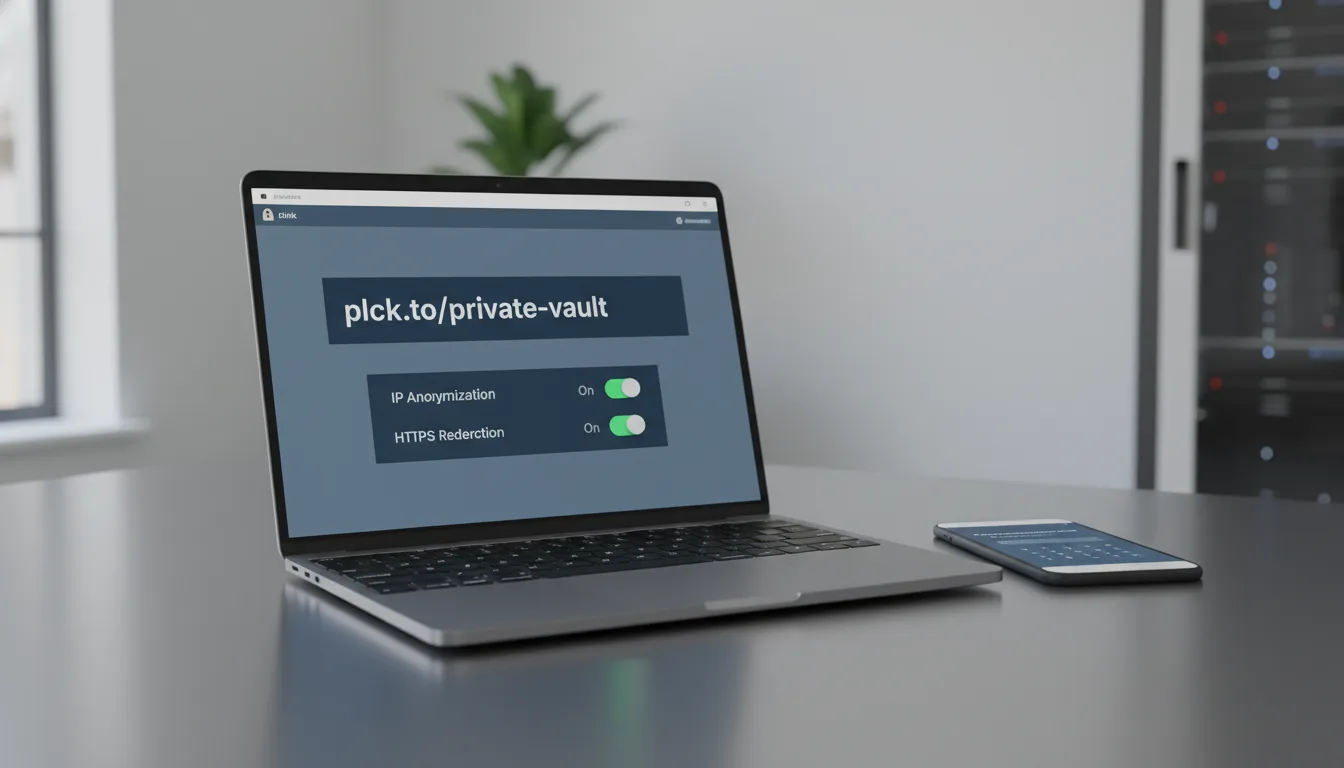
Under GDPR, an IP address is considered Personally Identifiable Information (PII) – that's a big deal! So, a compliant link platform simply *must* offer features like IP Anonymization. What does that mean? It means the platform strips away the final digits of an IP address before it's ever stored in the database. This clever technique still allows you to determine a user's general geographic location (like "London, UK") without actually storing the specific, identifying IP address itself. It’s a great privacy compromise.
So, practically speaking, if you're using shortened links in your email marketing campaigns or those snappy SMS blasts targeted at audiences in Europe or California, you absolutely *must* ensure that your chosen platform acts as a compliant data processor. They should also give you the power to purge click data if a user requests it. It's all about control and transparency, which is something we can all appreciate!
Theme 2: Link Security and Protecting Your Audience
Can some sneaky malicious actors intercept or mess with my shortened links?
Security, my friends, isn't just a buzzword; it's the absolute bedrock of privacy. Naturally, one of the most common worries we encounter is whether a shortened link can be intercepted or altered while it's in transit. We call this a Man-in-the-Middle (MitM) attack or, even more dramatically, link hijacking. Imagine this: if a short link is served over an old, unencrypted HTTP connection, a bad actor on the same network (think public Wi-Fi at a coffee shop) could, in theory, subtly change the redirect destination. That's a scary thought, right?
The good news? Modern, reputable link management platforms are way ahead of this game. They actively minimize this risk by enforcing super strict HTTPS encryption across the board. When you use a link like planck.to/secure-file, and it's protected by an SSL/TLS certificate, the entire communication between the user's browser and the link server is encrypted. This encryption guarantees the integrity of the redirect, ensuring your users land exactly where you intended them to, every single time.
Always make it a habit to test your shortened links! Confirm that they automatically force an HTTPS connection. If your chosen platform somehow allows HTTP traffic without gracefully upgrading it, you're inadvertently putting your users' privacy and security at an unacceptable risk. Don't let that happen!
How can I truly make sure my shortened links are safe for folks to click?
Building user trust is a marathon, not a sprint, and it can be shattered in an instant. Because shortened links cleverly mask the final destination, they've unfortunately been a favorite tool for spammers and bad actors to hide malicious websites. To fight back against this and genuinely protect your audience, you need to proactively signal that your links are legitimate and safe. It's about being transparent and thoughtful.
First off, be smart with your customized URL slugs. They should clearly hint at the content! A link like planck.to/2024-privacy-policy immediately feels more trustworthy and professional than some random string like planck.to/x7y9z, doesn't it? Second, ensure your platform is utilizing automated malware scanning. The best premium link providers out there automatically cross-reference destination URLs against constantly updated global blocklists. This acts as a crucial barrier, preventing your users from ever being routed to known phishing sites or other digital traps. It's an essential layer of defense.
Do shortened links spill the beans on my original URL structure or parameters?
Ah, this is a really good question, and it's a critical privacy consideration, especially for us marketers. While your shiny, short link initially masks your sprawling original URL, don't forget that the redirect process eventually reveals the full destination URL right there in the user's browser address bar. And guess what? This includes *any* tracking parameters you've tacked on, like your trusty UTM tags. They're all out there for the world to see.
From a practical privacy standpoint, this means you've got to be incredibly, painstakingly careful about what data you decide to include in those parameters. A common, and frankly severe, mistake is inadvertently passing Personally Identifiable Information (PII) – things like email addresses, phone numbers, or even user IDs – directly through the URL string. This is a huge no-no, and here's why:
"Seriously, never, ever pass PII in plain text URL parameters. If a user were to share that expanded link on a public forum, their personal data would be exposed to the entire world. And frankly, your company would be squarely on the hook for that breach. It’s a risk simply not worth taking."
Theme 3: Practical Privacy Measures for Link Managers
What settings should I tweak for absolutely maximum link privacy?
Alright, let's get practical! To build a genuinely private link management strategy, you can't just set it and forget it. You need to actively dive into your platform's security settings and make some intelligent configurations. Here’s where I recommend you start:
First up, enable Link Expiration. This is gold for time-sensitive content. If you're sharing, say, a draft of quarterly earnings, an internal memo, or a limited-time promotional offer, set that link to automatically deactivate after a specific date or once it hits a certain number of clicks. No more lingering access to outdated or sensitive info!
Next, take a good look at your targeting settings. Features like mobile deep linking and geographic routing are incredibly powerful, no doubt, but they do require pretty precise device and location data to work their magic. If your current campaign doesn't actually need to route users to different pages based on their country or device, then simply disable geo-targeting. This immediately minimizes your data processing footprint – it’s a quick win for privacy.
Finally, and this is a big one, review your data retention policies. A robust platform like Planck.to gives you the power to dictate exactly how long your click data is stored. For maximum privacy, configure your account to automatically purge granular click data after a reasonable period, like 30 to 90 days. You'll still retain high-level, anonymized aggregate metrics for reporting, but without the risk of holding onto personally identifiable clickstreams indefinitely. Smart, right?
How do custom domains boost link trust and security?
You know, using a generic, shared short domain is a bit like putting all your eggs in someone else's basket. You're essentially at the mercy of every other user on that platform. Here's the potential nightmare scenario: if a bad actor decides to use the very same generic short domain to blast out spam or phishing links, email providers and mobile carriers might just blacklist the entire domain. Suddenly, your perfectly legitimate, super safe links could be blocked, simply because of guilt by association. That's a headache no one needs!
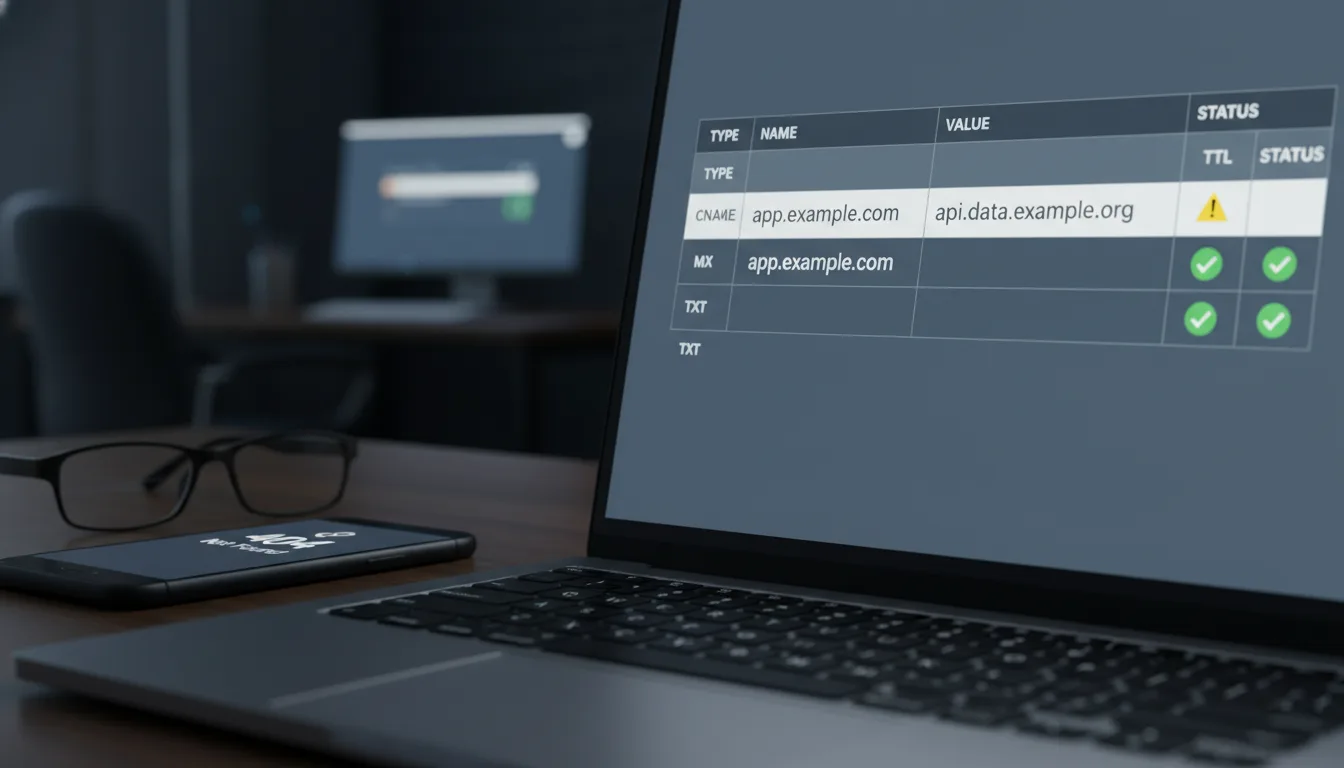
This is where setting up a custom branded domain really shines. It completely isolates your link reputation. It not only provides clear brand attribution – showing users exactly who's behind the link – but it also demonstrates that you're accountable for the destination. When you're setting up your infrastructure on a platform like Planck.to, attaching your very own domain (something like link.yourcompany.com) is a game-changer. It ensures your traffic is insulated and protected from the activities of others. It’s a professional move that pays dividends in trust and security.
Should I really be using password protection for sensitive links?
Absolutely, unequivocally, yes! When you're handling sensitive intellectual property, sending out those exclusive beta software invites, or distributing critical internal company communications, remember this golden rule: obscurity is *not* security. Simply trying to hide a sensitive document behind a hard-to-guess short link is totally insufficient if that link somehow leaks out into the wild. It’s like hiding your spare key under the doormat – convenient, but not really secure.
By applying Password Protection to your shortened link, you're adding a critical, robust layer of access control *before* the redirect even has a chance to occur. When a user clicks your password-protected link, they won't just zip straight to the destination. Instead, they'll be greeted by an interstitial page, politely asking for a password. Only after they successfully authenticate does the server then process the redirect to the final, sensitive destination. It’s an essential security gate.
Implementing password-protected short links for internal HR documents is a brilliant move. It means that even if an employee accidentally forwards an email containing a sensitive link outside the organization, those crucial destination files remain entirely secure and private. Crisis averted!
Quick Recap Checklist: Securing Your Link Data Like a Pro
Before you hit send on your next big campaign, let's make sure your link management practices are up to snuff and meet the highest standards of privacy and security. Think of this as your essential pre-flight checklist – easy to follow, but incredibly impactful:
- Audit Data Collection: Take a moment to verify that your chosen link platform proudly supports IP anonymization and adheres to GDPR-compliant data processing. Your users' privacy depends on it!
- Enforce HTTPS: Double-check and confirm that ALL of your short links automatically force an encrypted SSL/TLS connection. This is your shield against interception and tampering.
- Scrub UTMs for PII: Seriously, review your final destination URLs. Make absolutely certain that no plain text email addresses, full names, or sensitive account IDs are accidentally embedded in those tracking parameters.
- Set Expiration Dates: For any links pointing to temporary or super sensitive resources (like our example planck.to/temporary-access), always apply a time or click limit. Better safe than sorry!
- Use Password Gates: If a link leads to proprietary or confidential information, don't just hope for the best. Apply robust password protection – it's an indispensable layer of security.
- Isolate Your Reputation: Go the extra mile and connect a custom branded domain to your link shortener. This brilliant move prevents your brand from being unfairly blacklisted due to association with spammers.
Conclusion: Making Privacy a Priority (Because It Matters!)
In our current digital age, where every online interaction is scrutinized, how you manage and share your links truly speaks volumes about your respect for user data. URL shortening is an incredibly powerful, versatile tool for marketers and businesses alike, but with great power comes great responsibility. It’s absolutely crucial to safeguard the digital interactions it facilitates.
By now, you've got a much deeper understanding of the mechanics behind link redirects, you can recognize exactly what data is being collected, and you're armed with the knowledge to practically apply essential security features like password protection, strong HTTPS enforcement, and intelligent link expiration. With these tools in hand, you can confidently transform your links from potential vulnerabilities into truly secure, trusted assets.
So, here's my challenge to you: take a little time today to review your current link management infrastructure. By thoughtfully adopting platforms, like Planck.to, that genuinely prioritize secure architecture and compliance, you're not just ensuring that every link you share drives engagement – you're actively protecting the privacy and building the trust of your invaluable audience. Let's make the internet a safer, more transparent place, one click at a time!
Ready to get started?
Join thousands of users who are already using our platform to manage their links efficiently.
Create Your Free Account